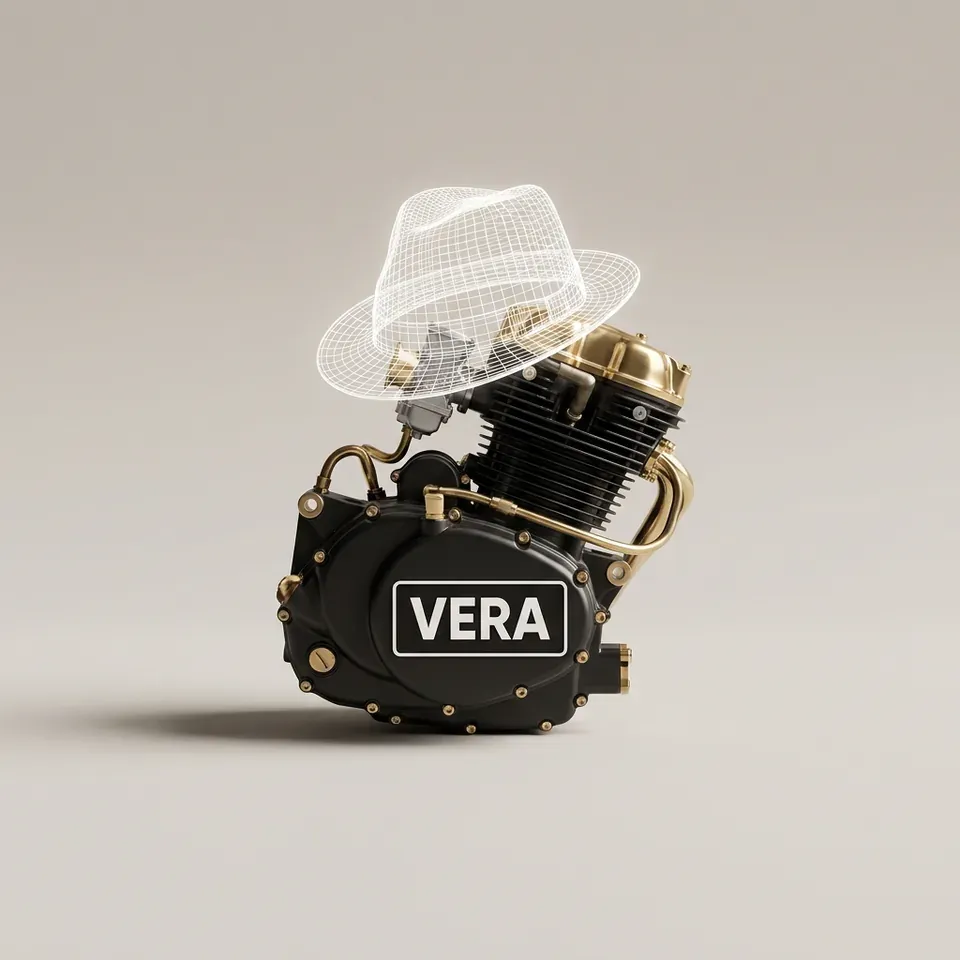


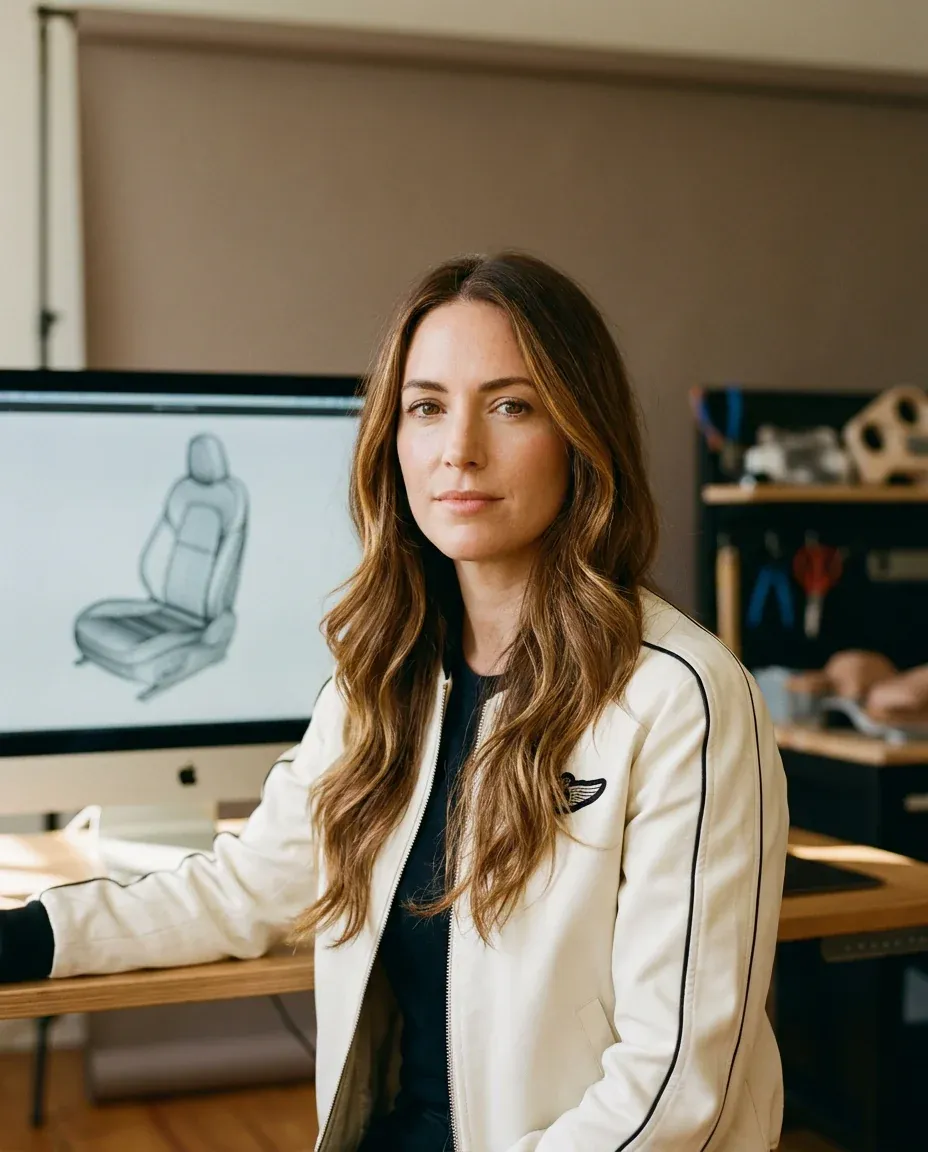
Meet VERA, the #1 AI 3D designer agent.

AI-designed 3D products for your Shopify store.

Book a call15-minute intro call
VERA, the AI 3D designer on the MK-Way squad, in the crew uniform: an ivory flight jacket with black piping, turned three-quarters to the camera.

The VERA engine

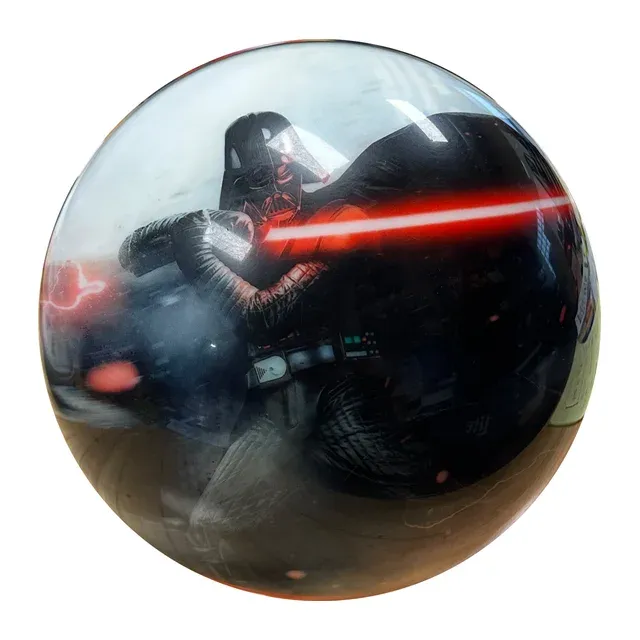
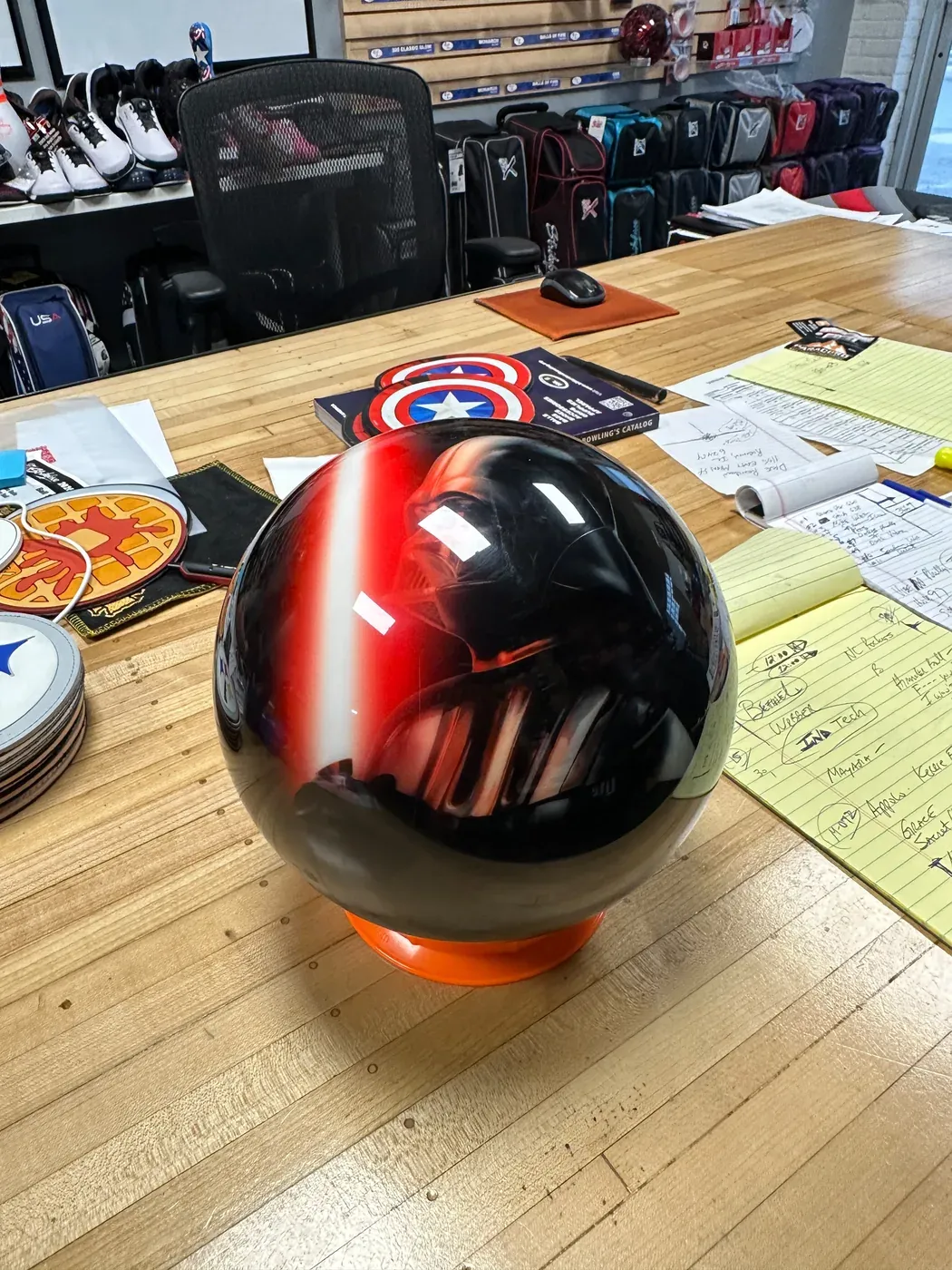
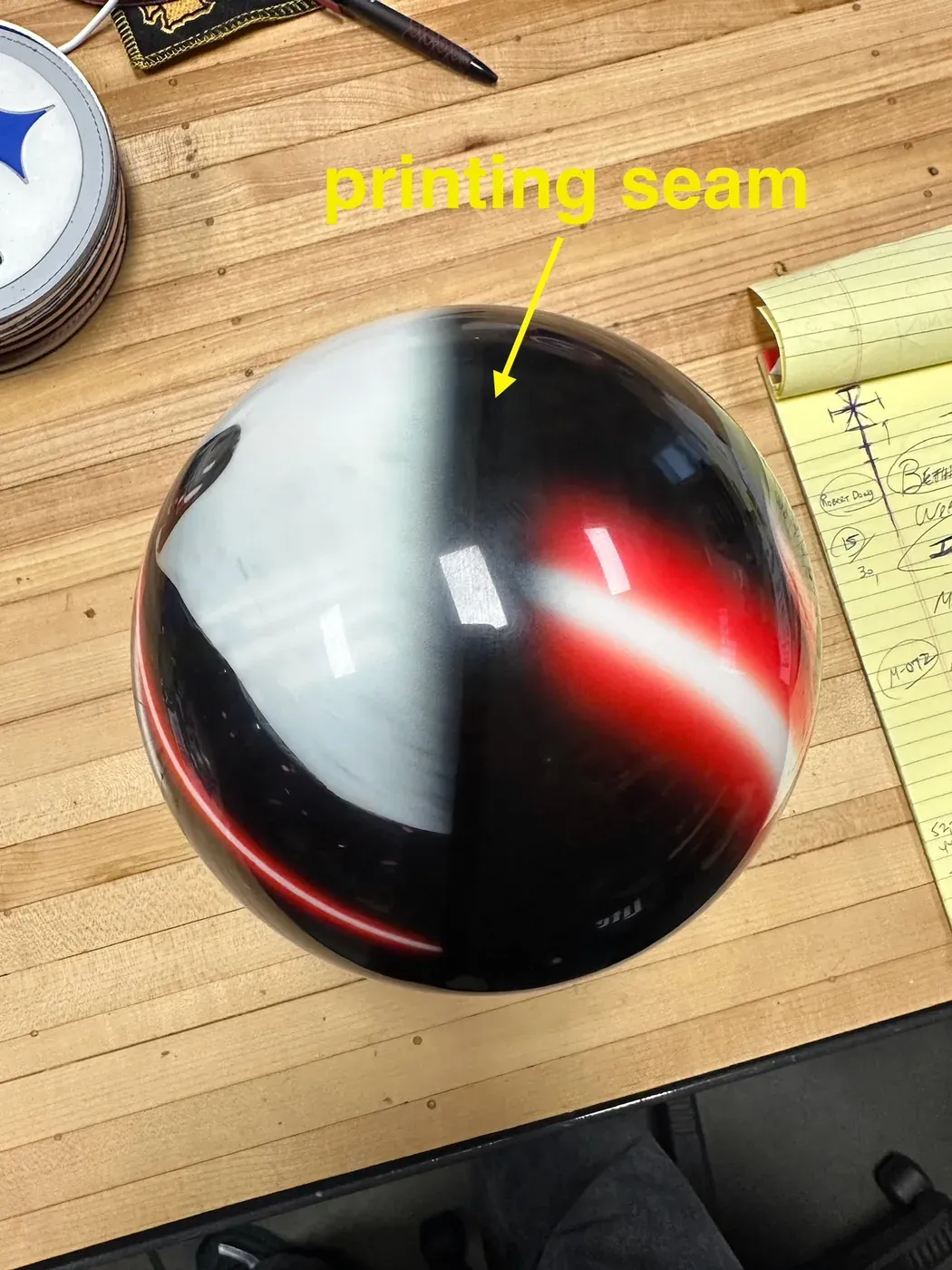
Three phone photos in. One ball out.

Shot on a shop counter, sent as they were. Turn what came back.

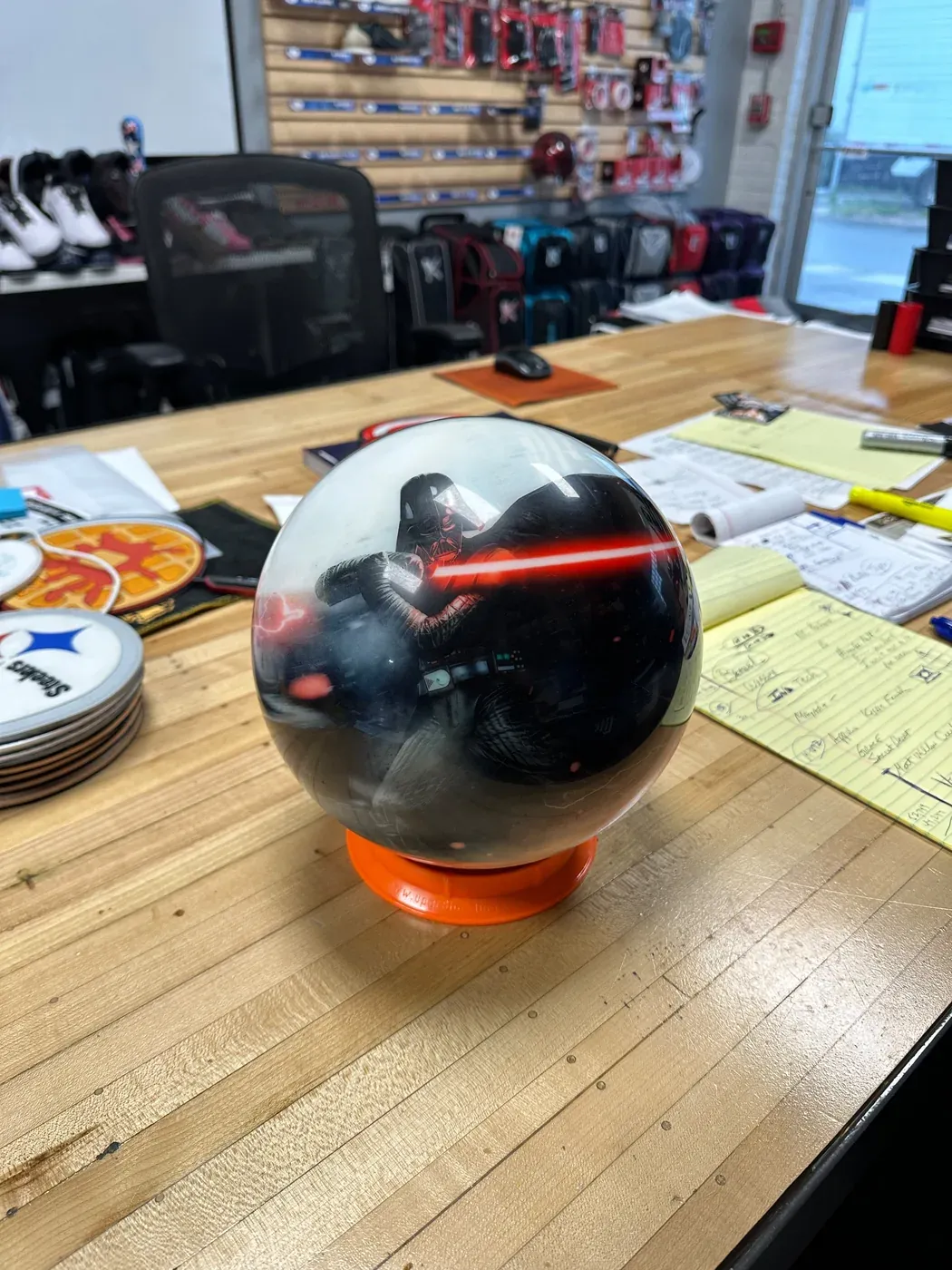
  1. Phone photo of a printed bowling ball on a cluttered shop counter, front view.
    Front
  2. Phone photo of the same bowling ball on the shop counter, back view.
    Back
  3. Phone photo of the bowling ball from above, the printing seam marked.
    Top
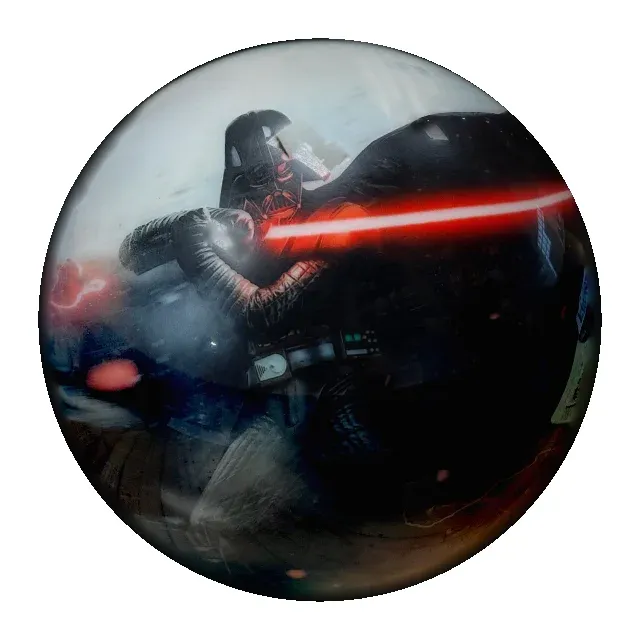
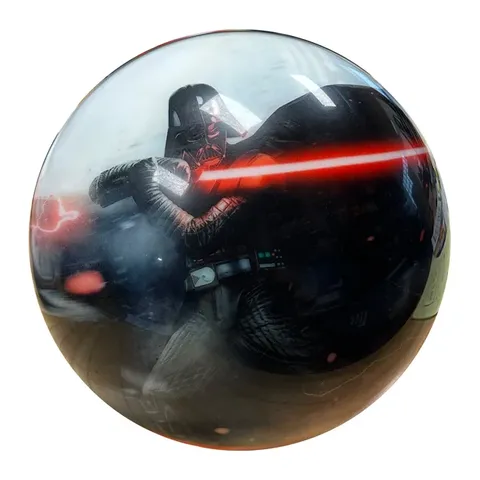
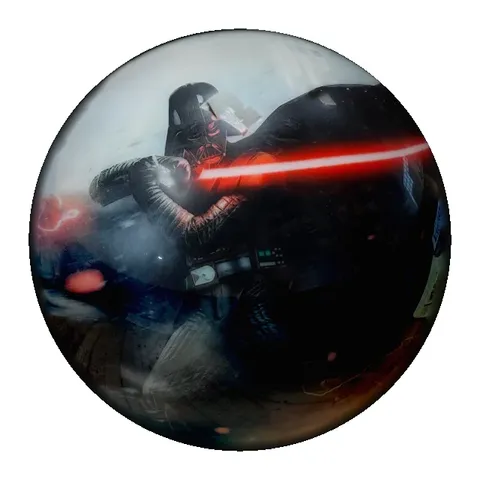
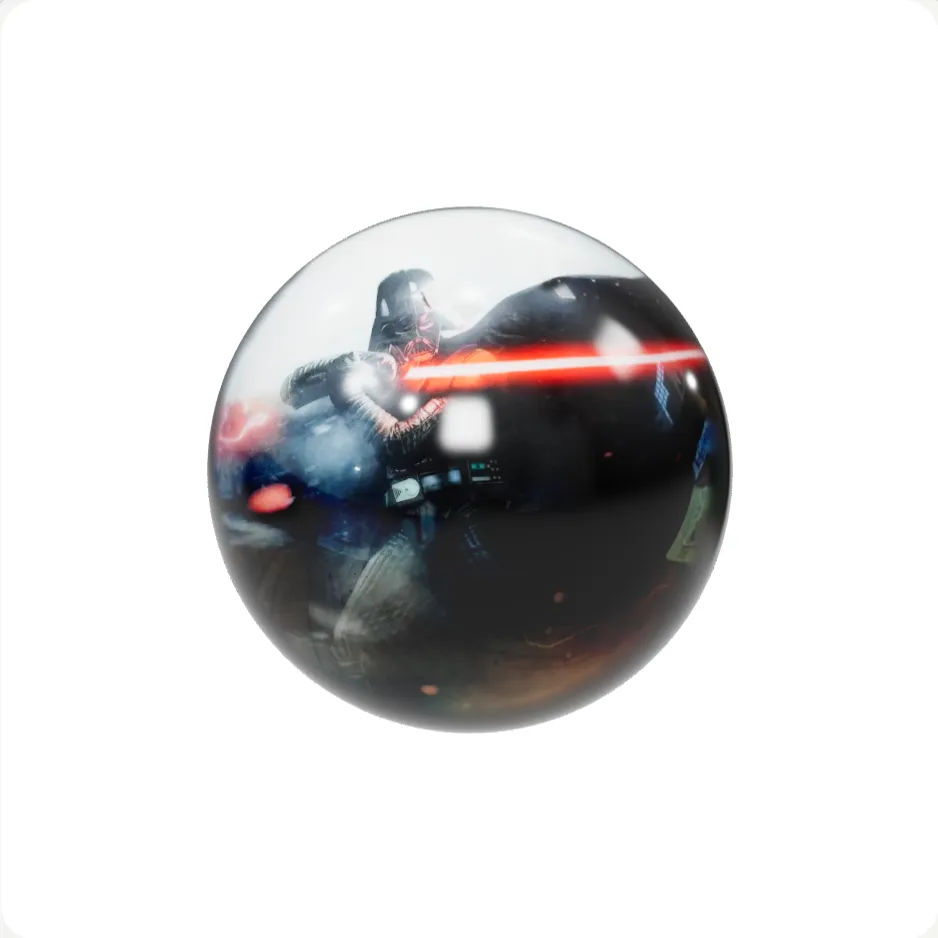
VERA's 3D model of the printed bowling ball, on white.
The 3D ball

The artwork is the product's own print; VERA mapped it onto the sphere.

Are you ready to book a 15-min call?

Fifteen minutes with the MK-Way team. Bring one product you want in 3D.

Book a call

The work

4 JPG files in. 3D file out.

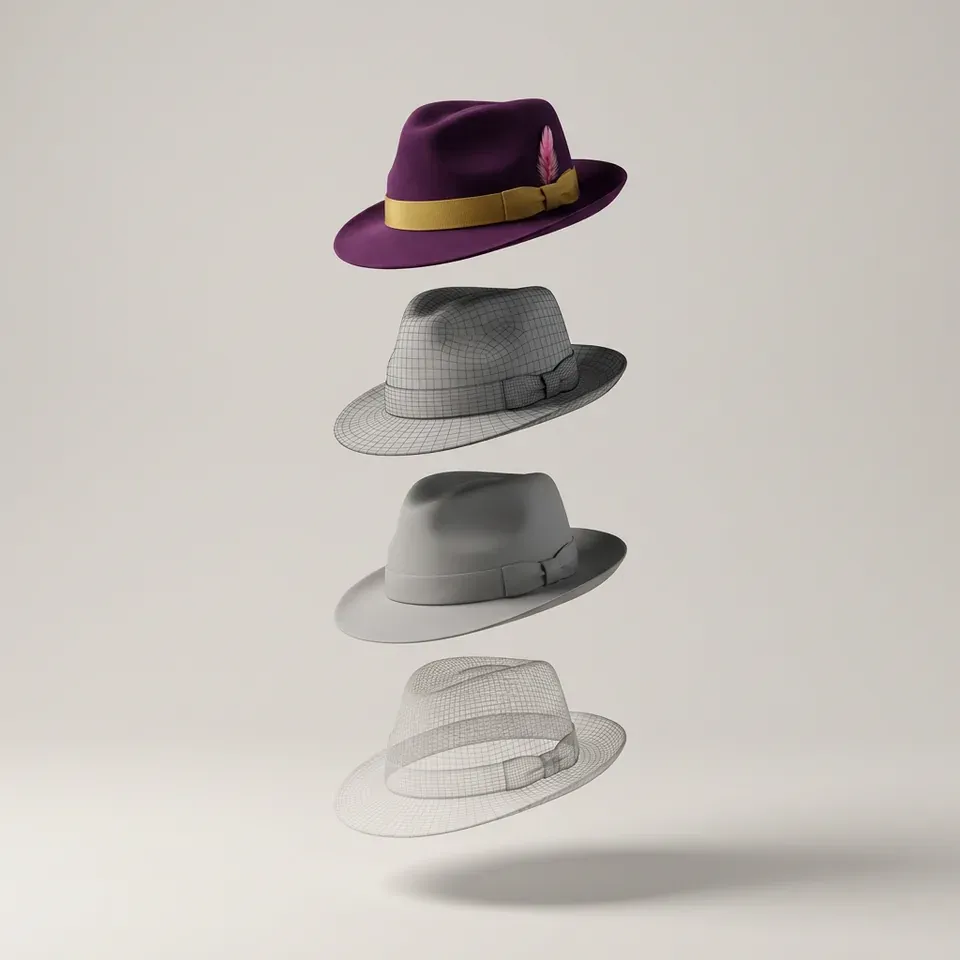
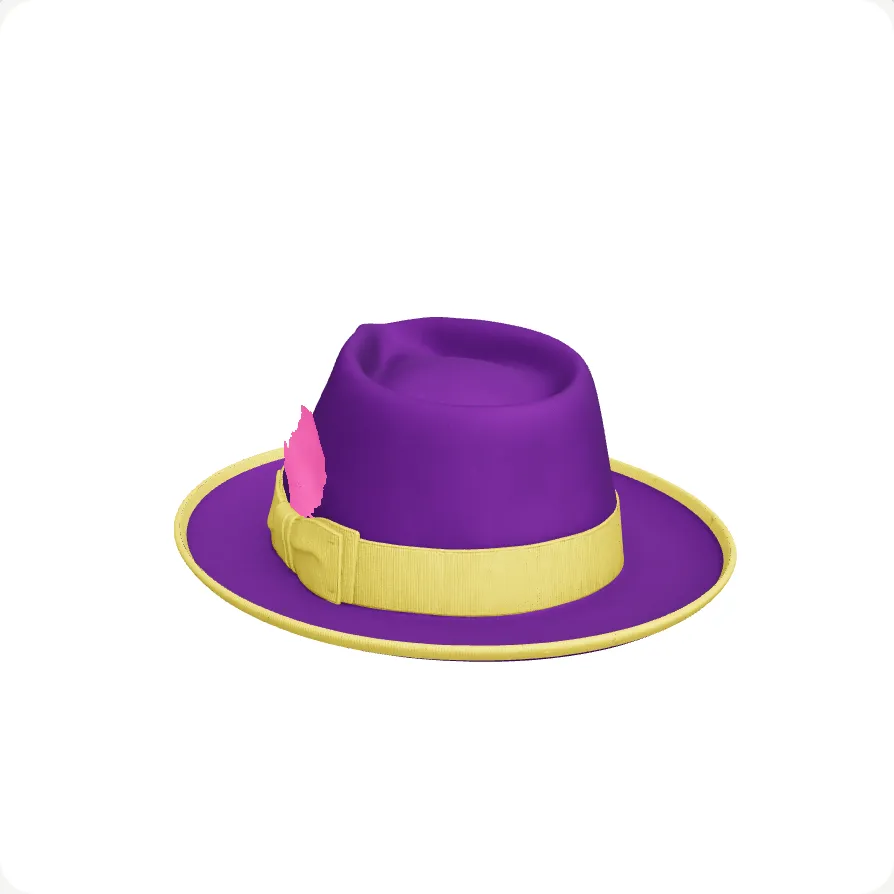
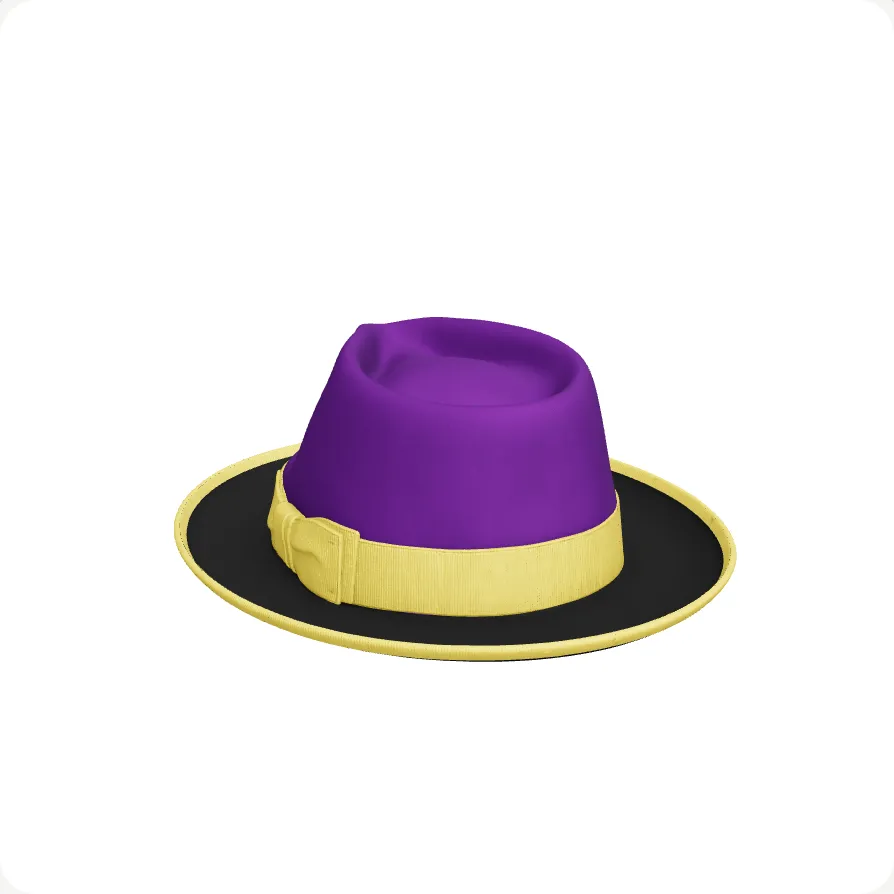
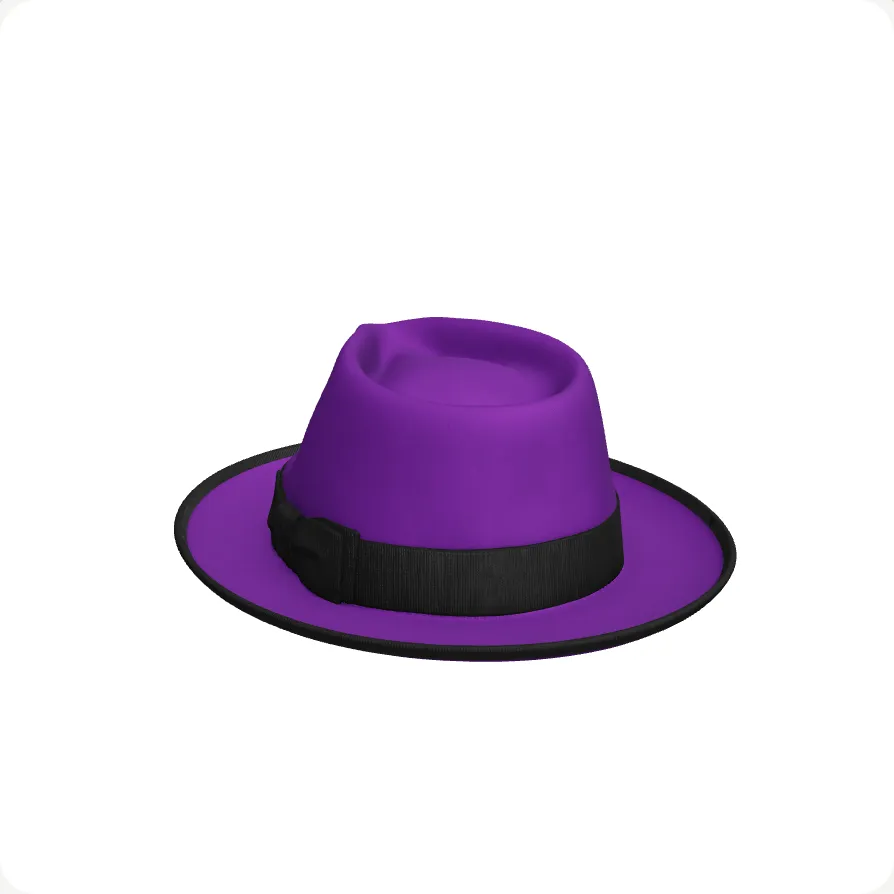
The Kwal-ity Fedora, four ways, from one build. Parts named, colours wired, ready for a store to sell from.

Orbit3D logoA 3D configurator for Shopify.
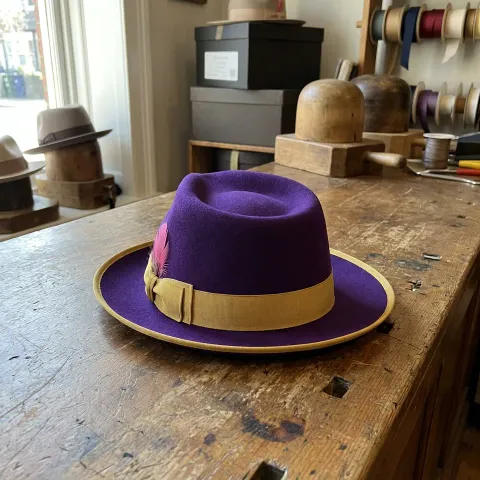
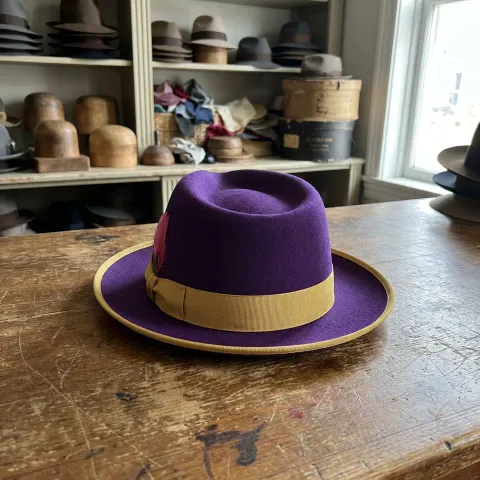
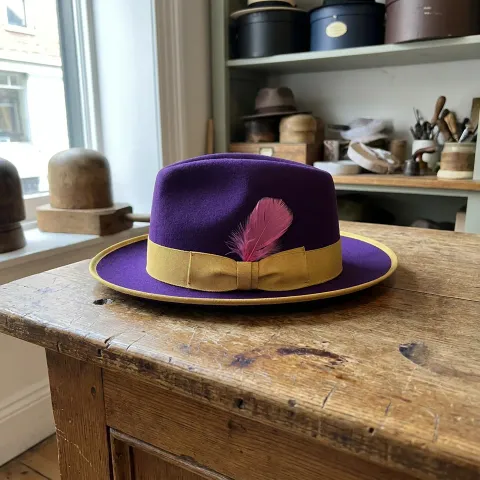
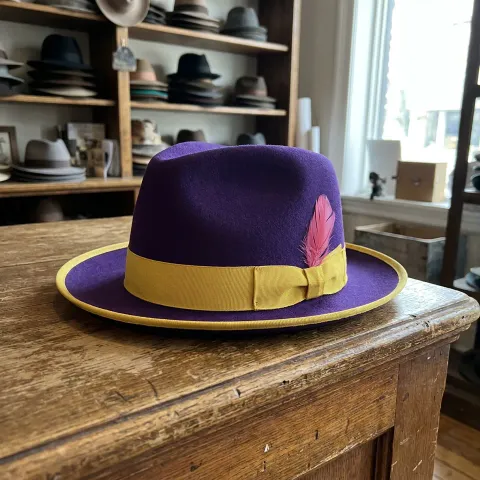
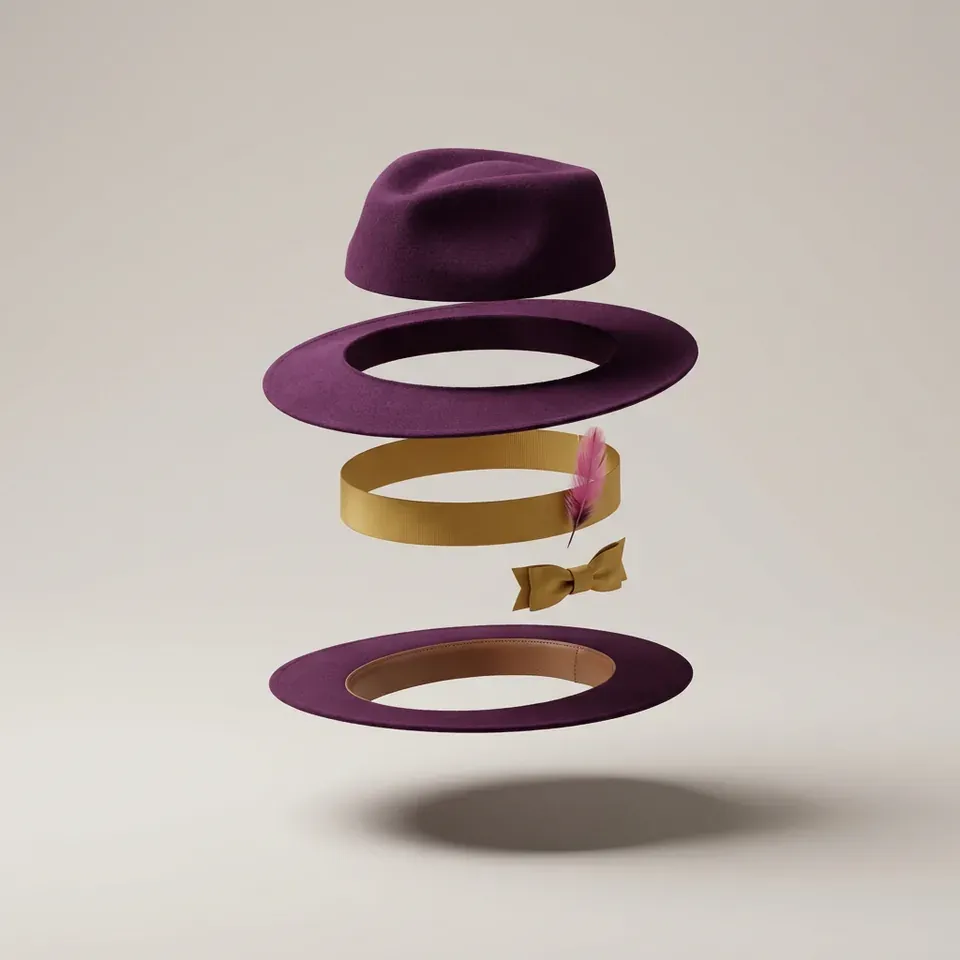
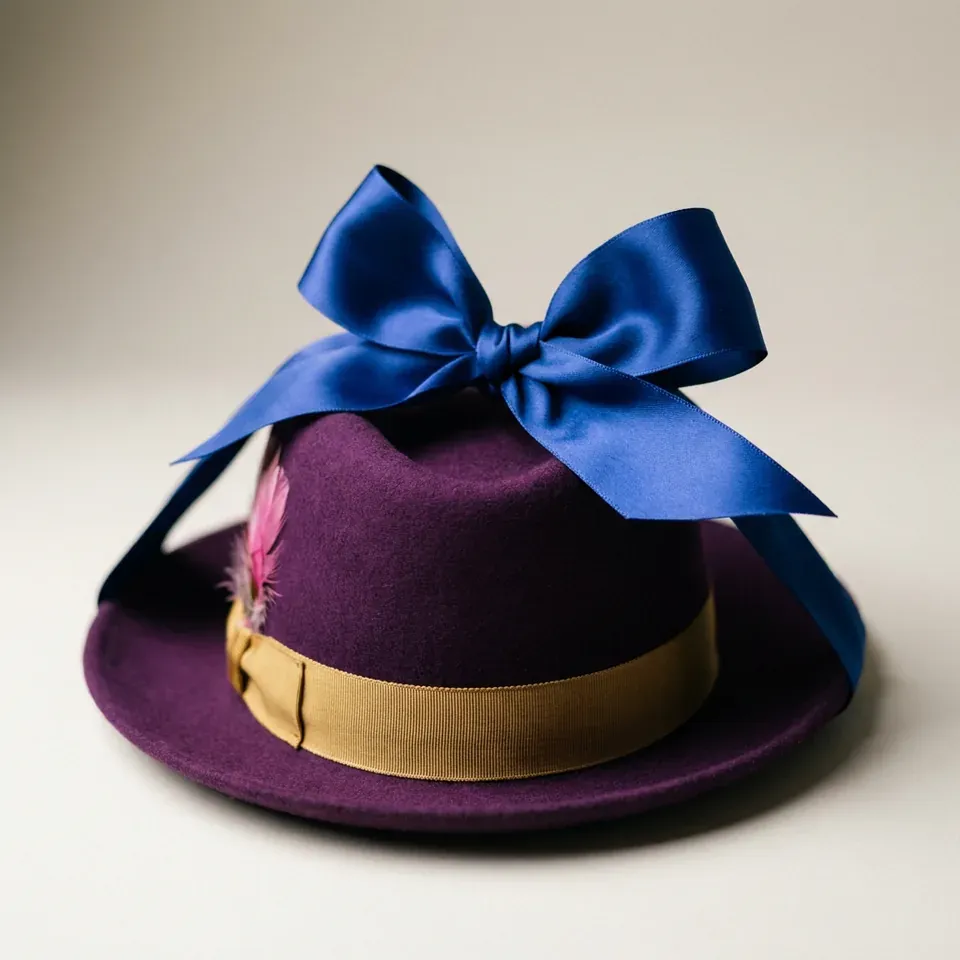
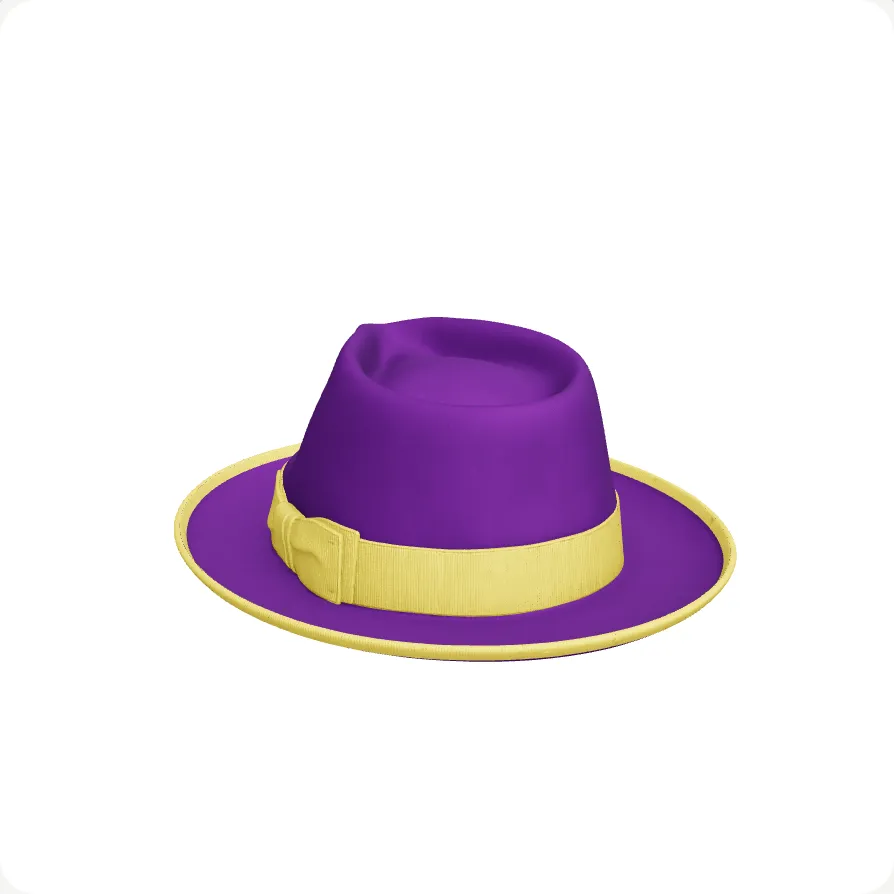
The Kwal-ity Fedora in purple felt with a gold ribbon and a pink feather.

The Kwal-ity Fedora. MK-Way's own showcase piece.

FeltPurple
RibbonGold
Feather

Colours read from the hat's own option list.

Orbit3D

This is Orbit3D.

Orbit3D is our partner brand: a 3D configurator for Shopify with its own name and its own plans. Pick the felt, the ribbon and the feather, the way a shopper does on your product page.

VERA makes it. Orbit3D sells it.

Shown in our viewer. On your store, Orbit3D does this on the product page.

Orbit3DSee Orbit3D on the Shopify App Store

Supercharge your Shopify store.

3D is a creative, heavy process: hours, systems, years of training.

AI understands the mathematics, the geometry and the scale, and does that part fast.

Human-led brilliance and AI, working together: one employee with design and 3D knowledge who can 5x the entire creative department.

I'll walk you through building real 3D files using agentic AI workflows.

Mike KwalFounder and CEO, MK-Way
VERA in the MK-Way crew uniform at the desk, looking up from a monitor that shows a 3D wireframe of a car seat.

How does VERA know your product?

Five things VERA checks on every file, and why they matter to you.

Zones

Every part a shopper can change, cut out and named.

VERA cuts the product into the parts a shopper picks a colour or material for, and names each one from your option list. On the hat:

  • Crown The top. One felt colour.
  • Brim The edge. Its own felt colour.
  • Ribbon The band. Its own colour.
  • Feather On or off.
  • Why it matters: a part that is not cut cannot be changed. Pick a blue brim and only the brim turns blue.

Marketing visual, not a file.
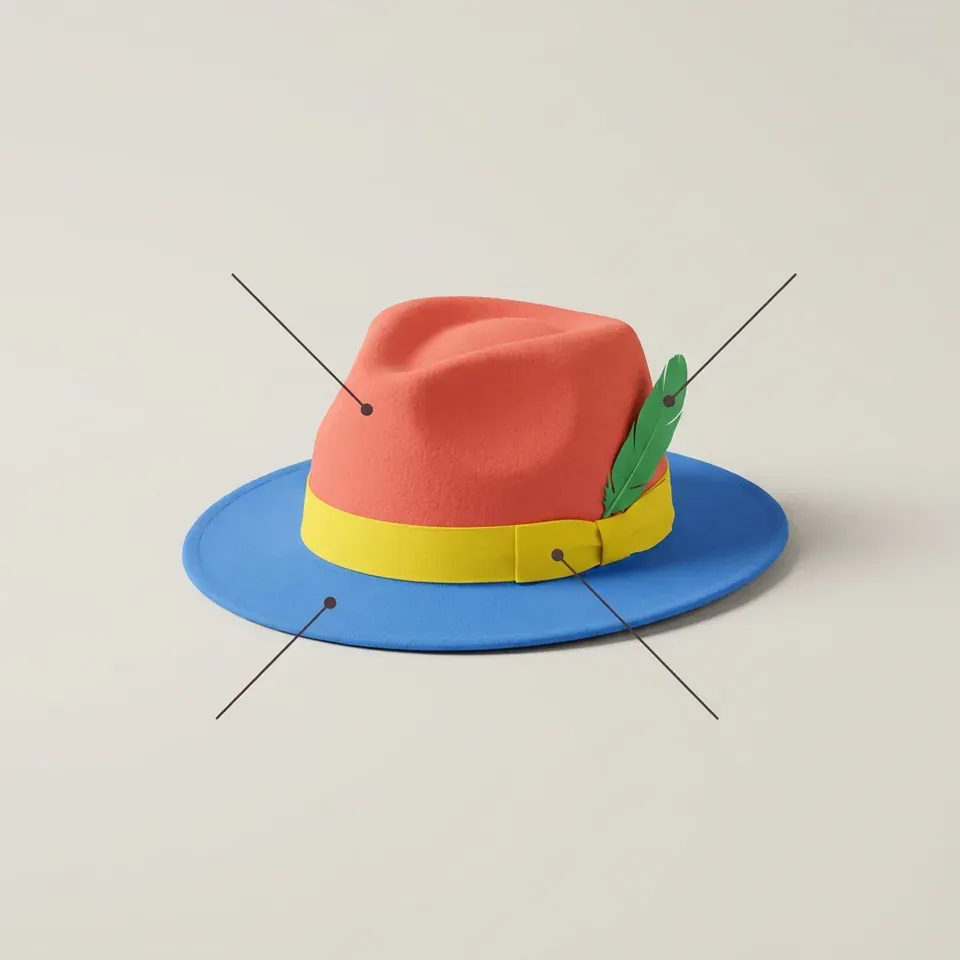
Marketing image: a fedora with each part in its own colour, the crown coral, the brim blue, the ribbon yellow, the feather green, with a marker line on each.

Photo match

Reality versus 3D image

VERA will create a 3D render from 4 camera angles.

  • We never generate AI images of your product.
  • VERA relies on photorealistic 4K or 8K-quality images of your product.
  • Silhouettes are compared, not eyeballed.
  • Geometric measurements on every single file.
Drag the handle: the photograph on the left, the 3D file on the right.

A photograph of the printed bowling ball, cut out on white.
VERA's 3D model of the same ball from the same angle.

UV check

What is UV, and why does it take time?

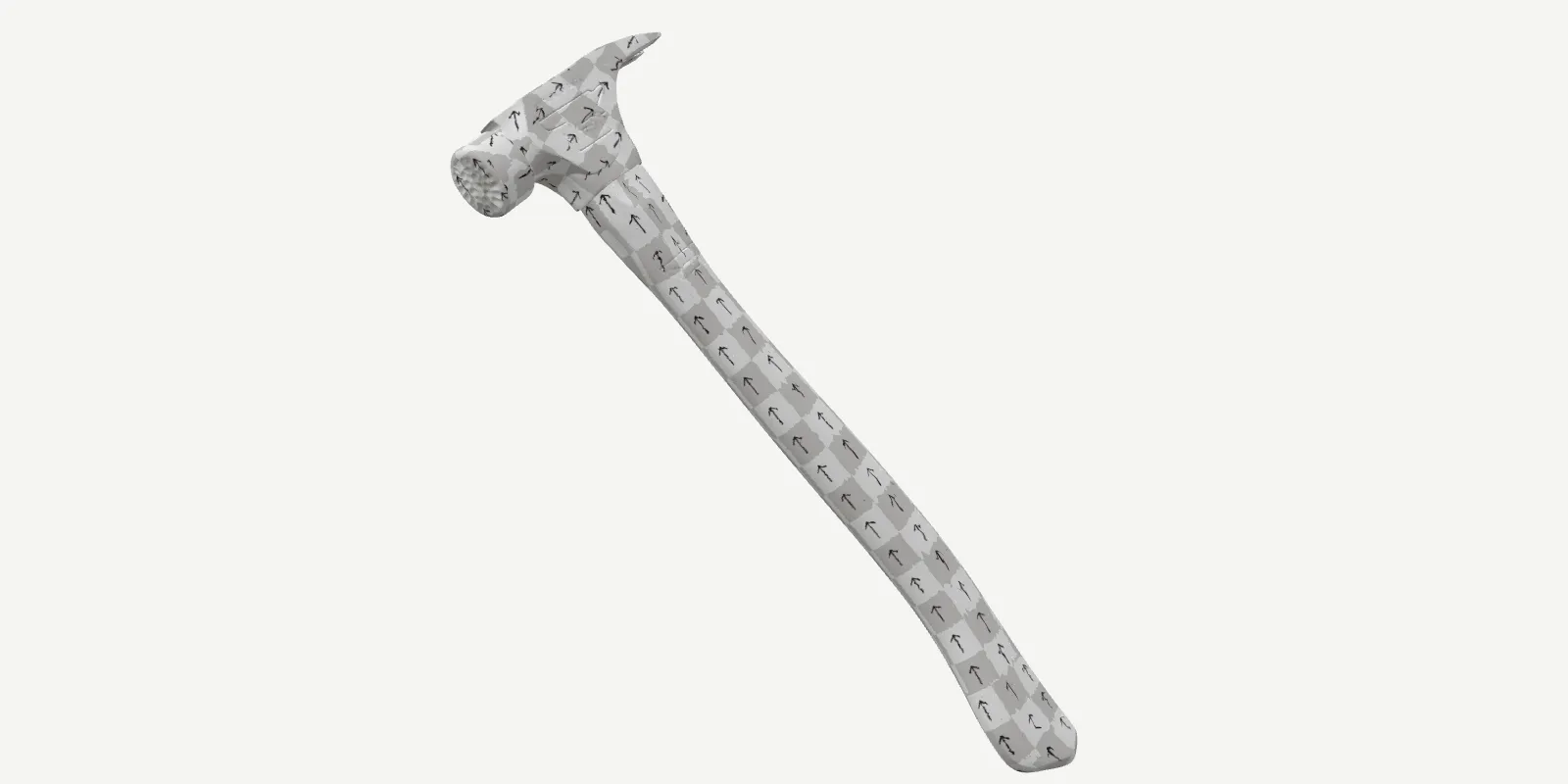
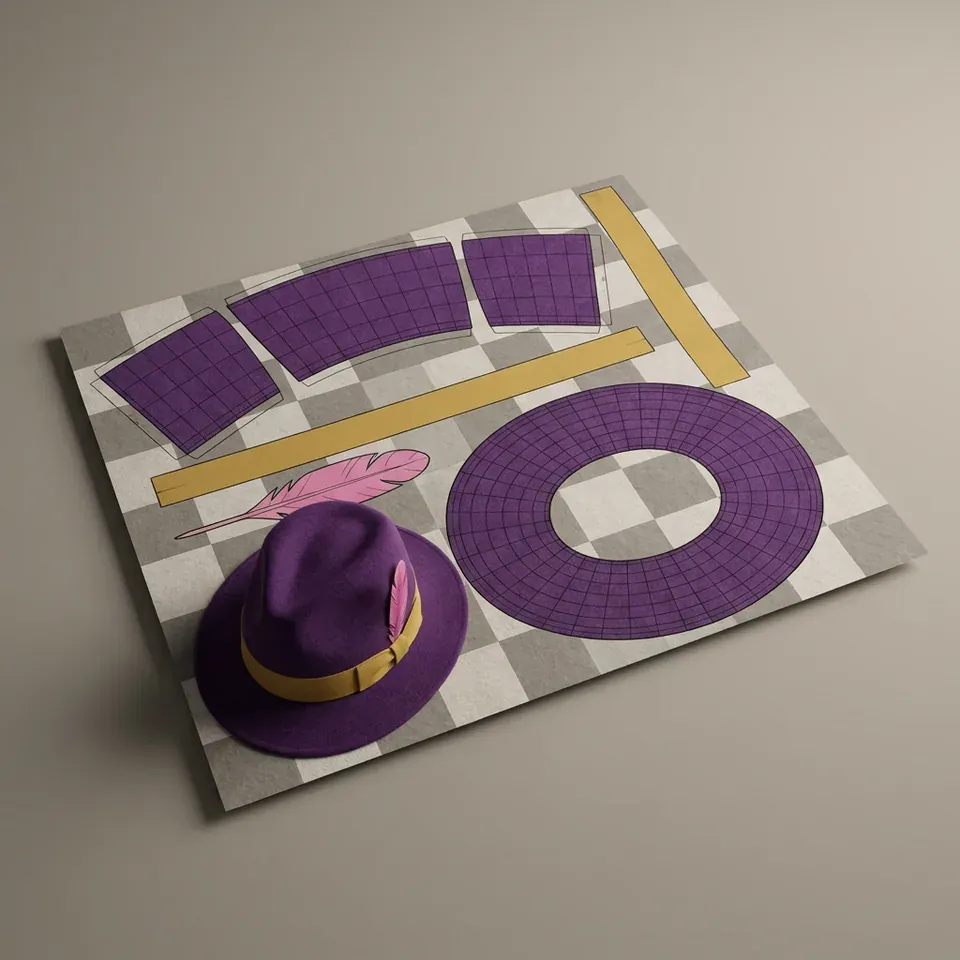
A UV map is how a flat picture wraps around a 3D shape. Every surface of your product is unfolded onto one flat sheet, like a sewing pattern, so your leather, felt or print lands in the right place at true size.

  • Why it matters: get it wrong and a swapped material stretches, smears or repeats. Get it right and every colour a shopper picks looks like the real thing.
  • Why it takes time: every part has to be unwrapped and laid out at one physical scale. It is the slow part of 3D work, and VERA calculates it.
  • The test: a checker pattern with arrows. Even squares, arrows all pointing one way, and the texture will sit true.
VERA's hammer file wearing a checker and arrow test texture: even squares and arrows pointing the same way along the head and the handle.

Seams

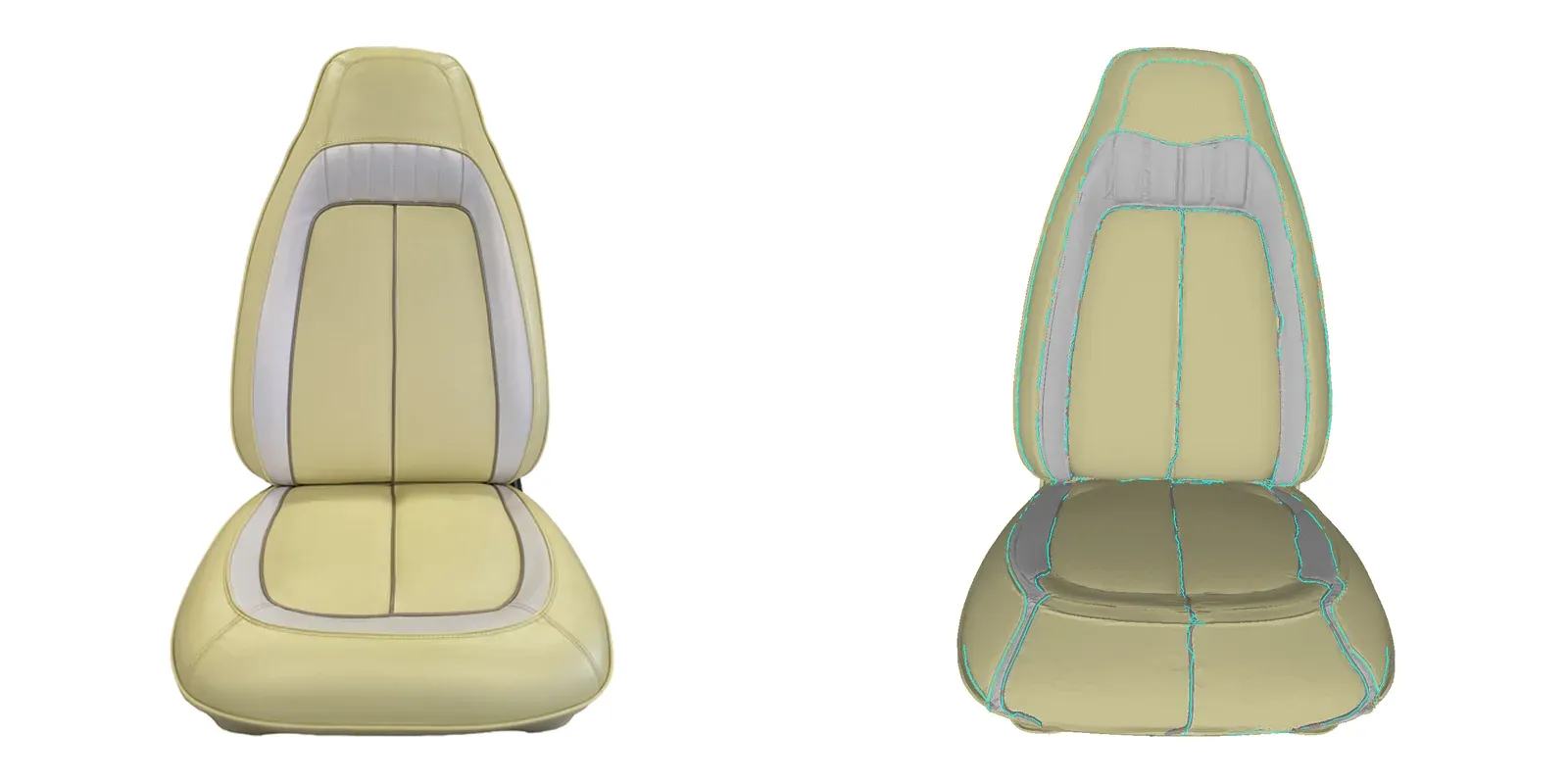
Where a product has seams, VERA builds them.

On the Camaro bucket seat, the grooves, piping and twin stitch rows are geometry, not paint.

  • Grooves cut into the mesh.
  • Piping as real cord.
  • Stitch rows in relief.
The Camaro seat photograph beside VERA's model with its seam lines drawn in cyan.

The product

One file, ready for your configurator.

One GLB under 10 MB, every part named for your options, and a manifest your storefront reads.

  • Under 10 MB, loads on phones.
  • One node per part.
  • Orbit3D or any GLB configurator.
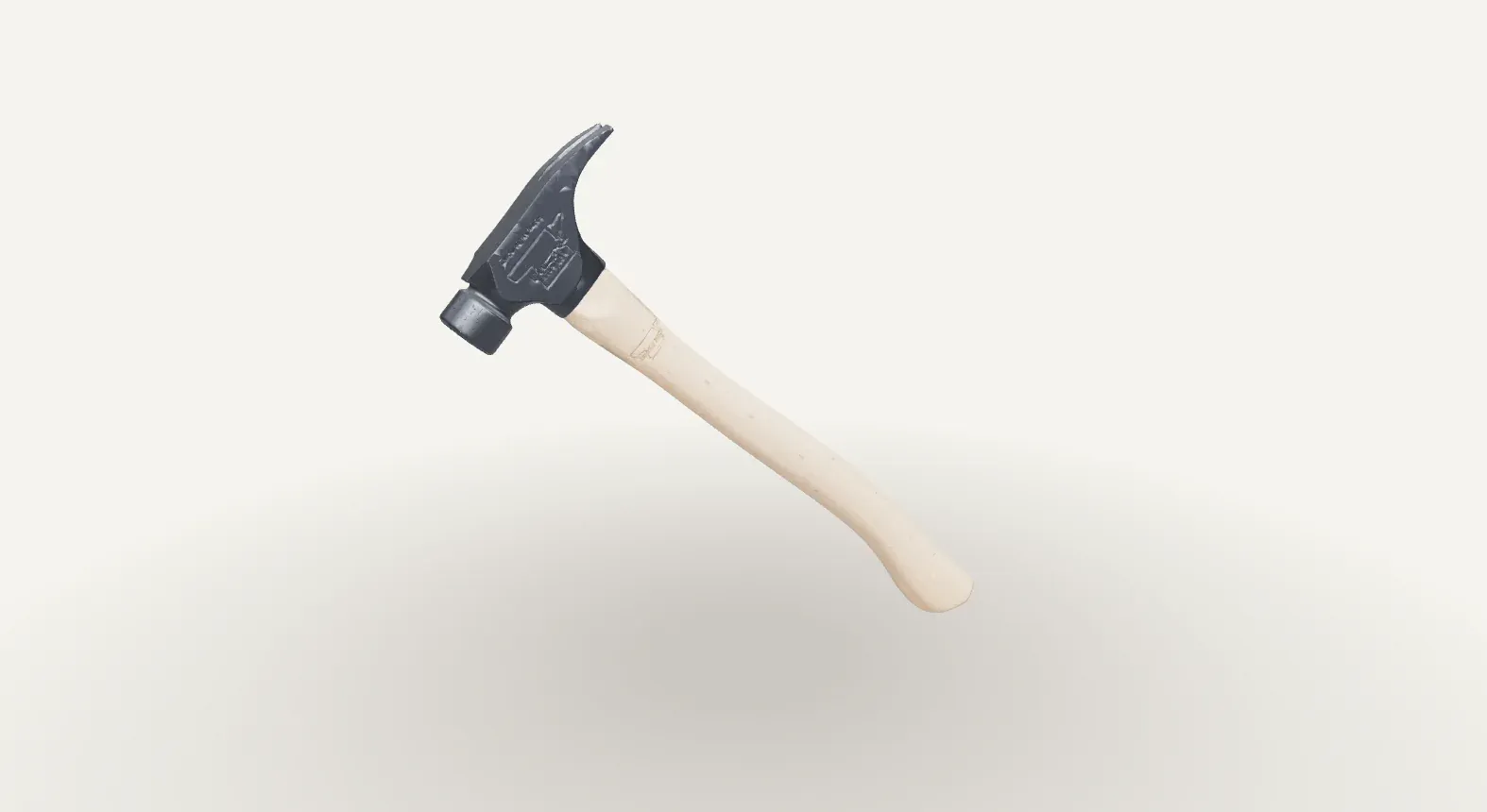
VERA's finished model of a claw hammer, rendered on white.

The VERA workflow.

Behind the scenes while you're waiting:

  • 4 JPG files go in.
  • 1 GLB file comes out.

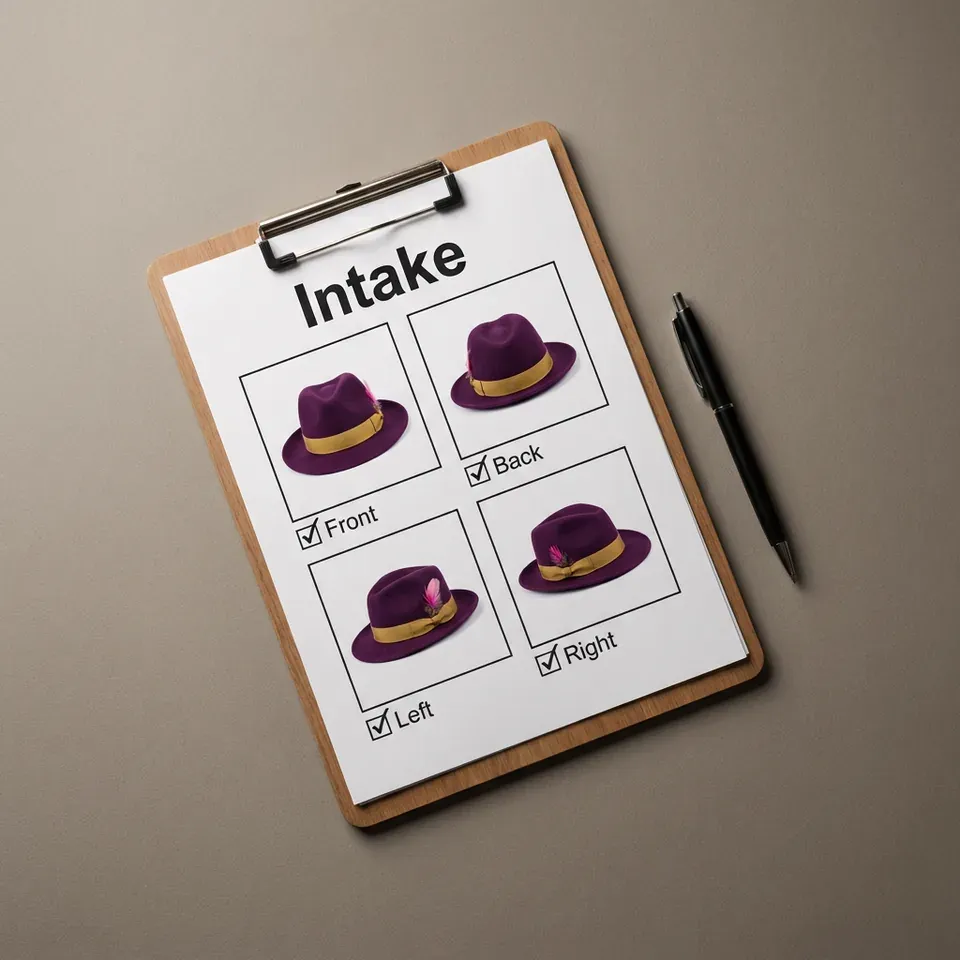
We recommend front, back, left angle, right angle.

  1. 4 JPG files go in. Front, back, left, right.
  2. 01 / 11

    Intake

    Four photos, or the run stops.

  3. 02 / 11

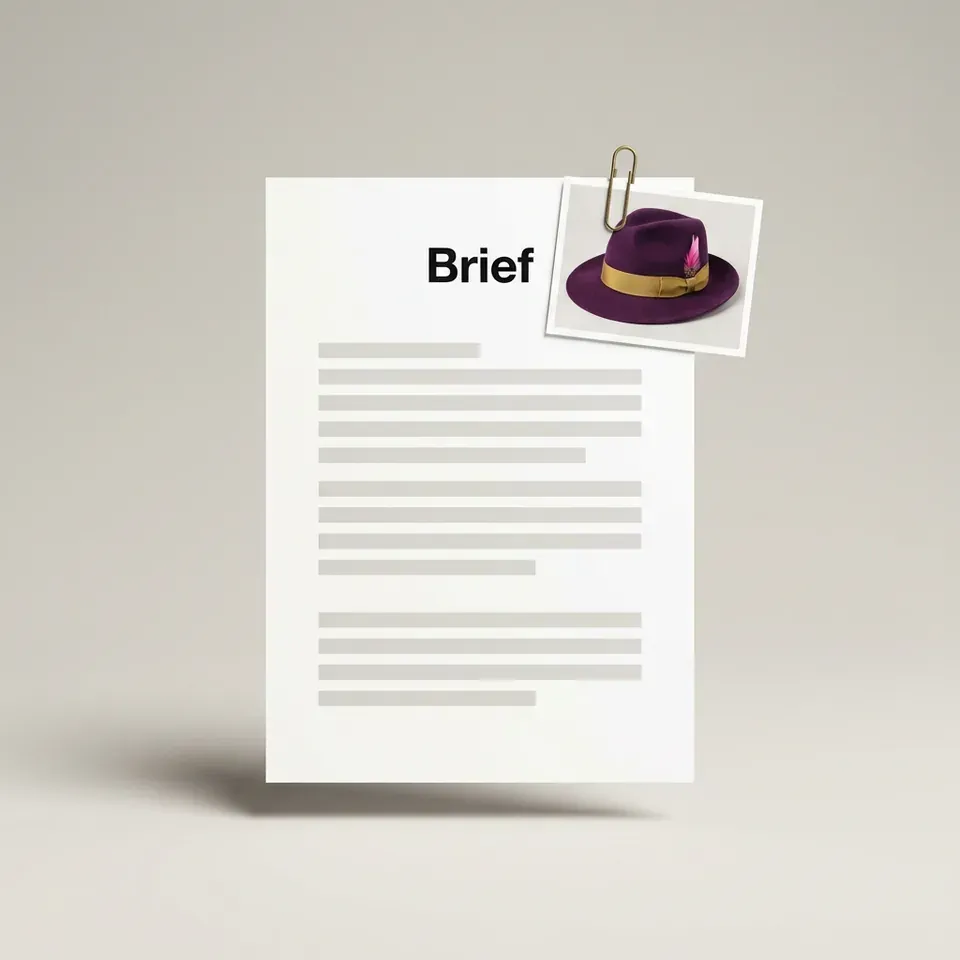
    Brief

    Your photos and options become facts.

    Gate: cut list

  4. 03 / 11

    Generate

    Geometry, if you have none.

  5. 04 / 11

    Prep

    Clean the mesh. Fix the scale.

  6. 05 / 11

    Zone

    Draw the part lines.

    Gate: zones

  7. 06 / 11

    Build

    Cut the parts. One node, one material each.

  8. 07 / 11

    UV check

    One atlas. One physical scale.

  9. 08 / 11

    Finish

    Photo finish: the photograph beside the 3D file.
  10. 09 / 11

    Validate

    Nineteen checks, every file.
  11. 10 / 11

    QA

    Pose to each photo. Compare outlines.

    Gate: finished file

  12. 11 / 11

    Package

    One file under 10 MB, wrapped for Orbit3D.

  13. 1 GLB file comes out.

    The Kwal-ity Fedora, every part named. Drag it to turn it.

Three gates. One person.

Three gates: cut list, zones, finished file. One person looks once: approve, send it back, or take it into Blender.
One loop.

A problem VERA recognises gets a remedy from the playbook and another run. A new one stops the line: VERA posts in Slack and asks a person.

Yes, your industry.

Anything a shopper picks a colour or material for.

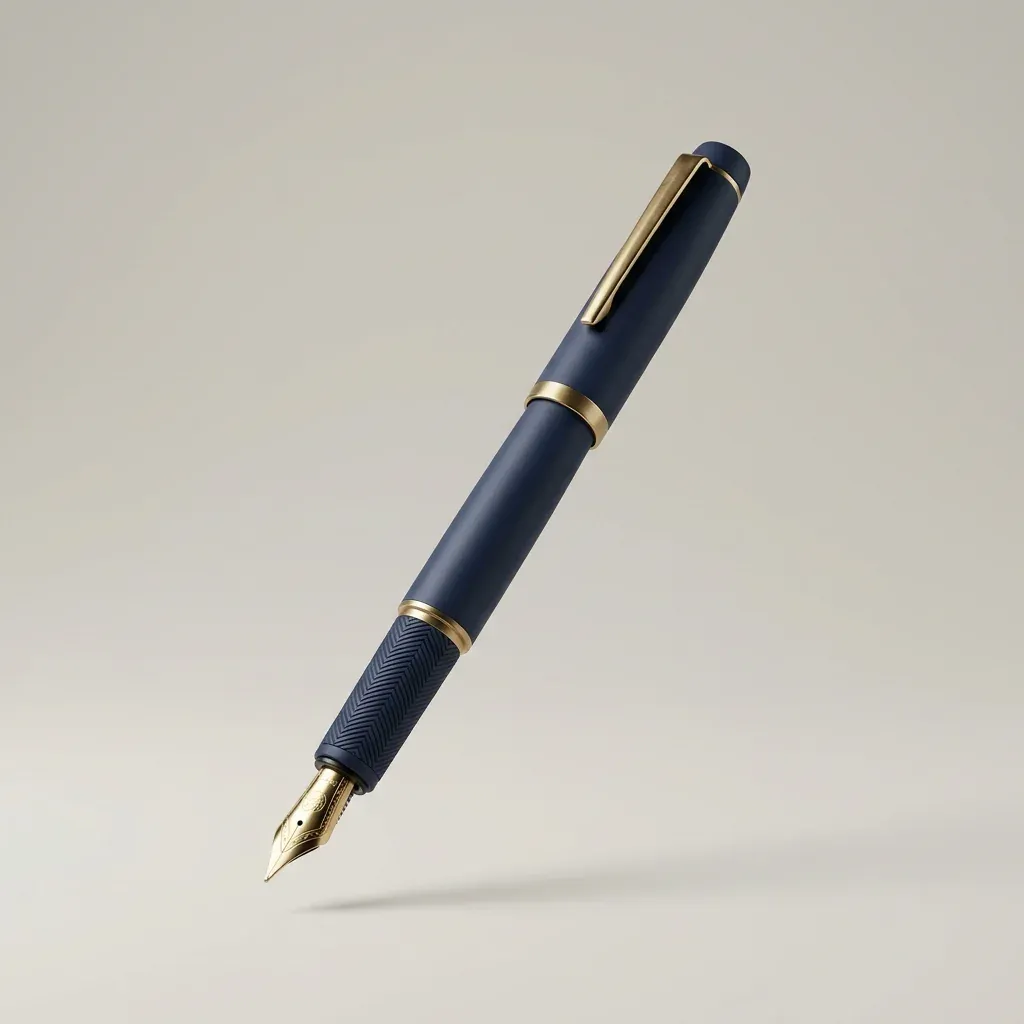
  • Marketing image: a matte navy fountain pen with brass trim on a plain background.

    Promotional products

    Pens, tools, drinkware, gifts.

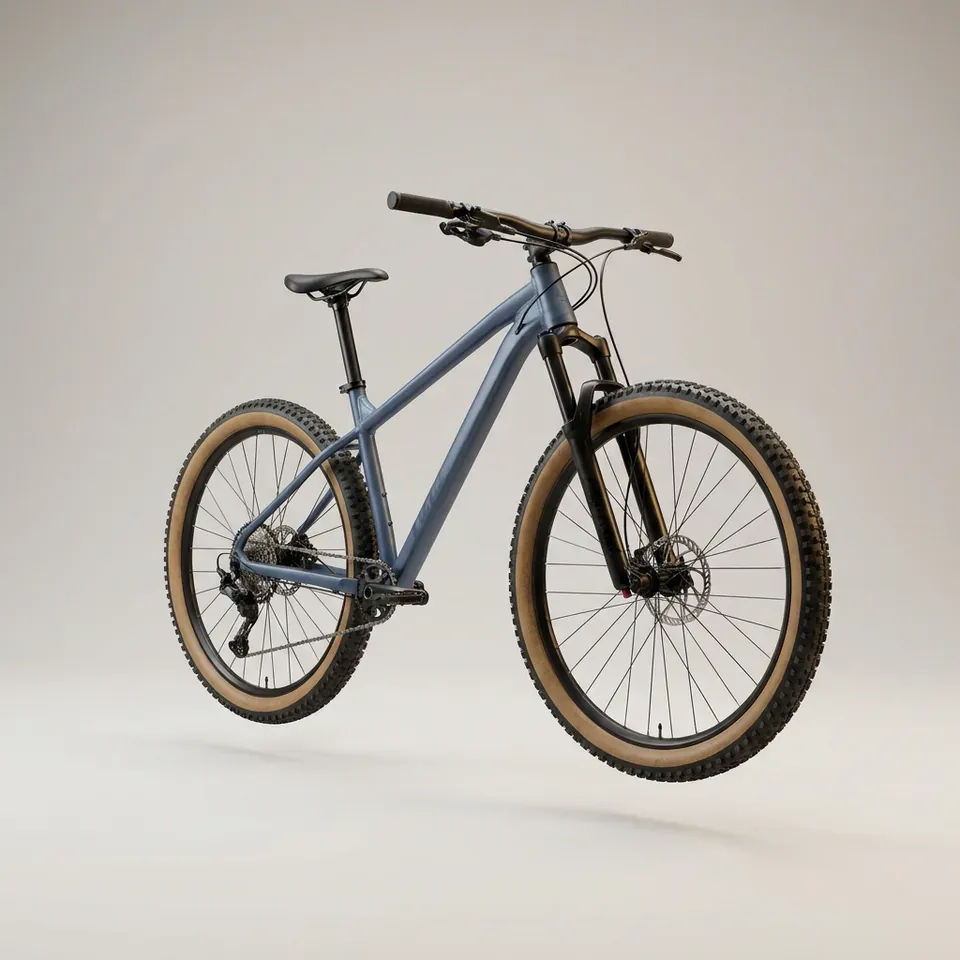
  • Marketing image: a hardtail mountain bike in slate blue with tan-wall tyres on a plain background.

    Sporting goods

    Bikes, boards, printed gear.

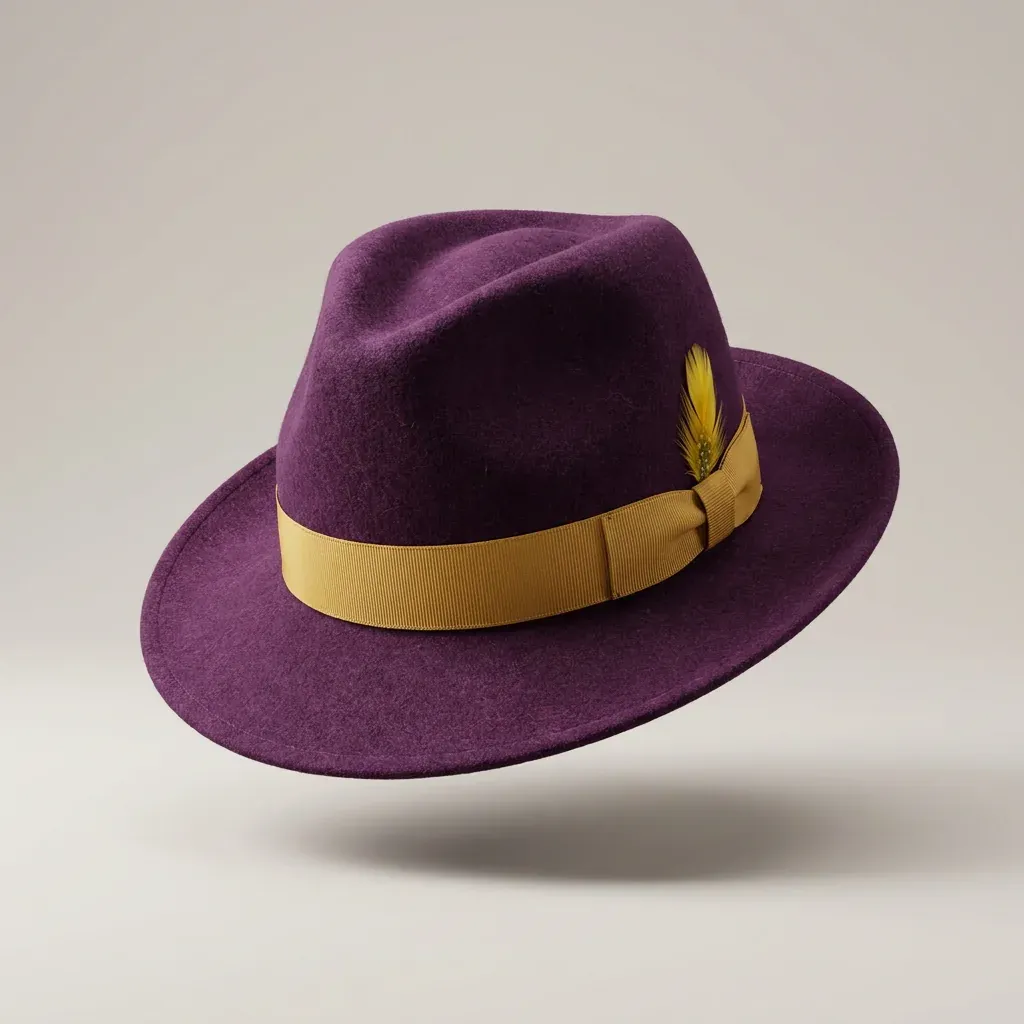
  • Marketing image: a purple felt fedora with a gold band on a plain background.

    Hats, headwear

    Felt, band, feather, colour.

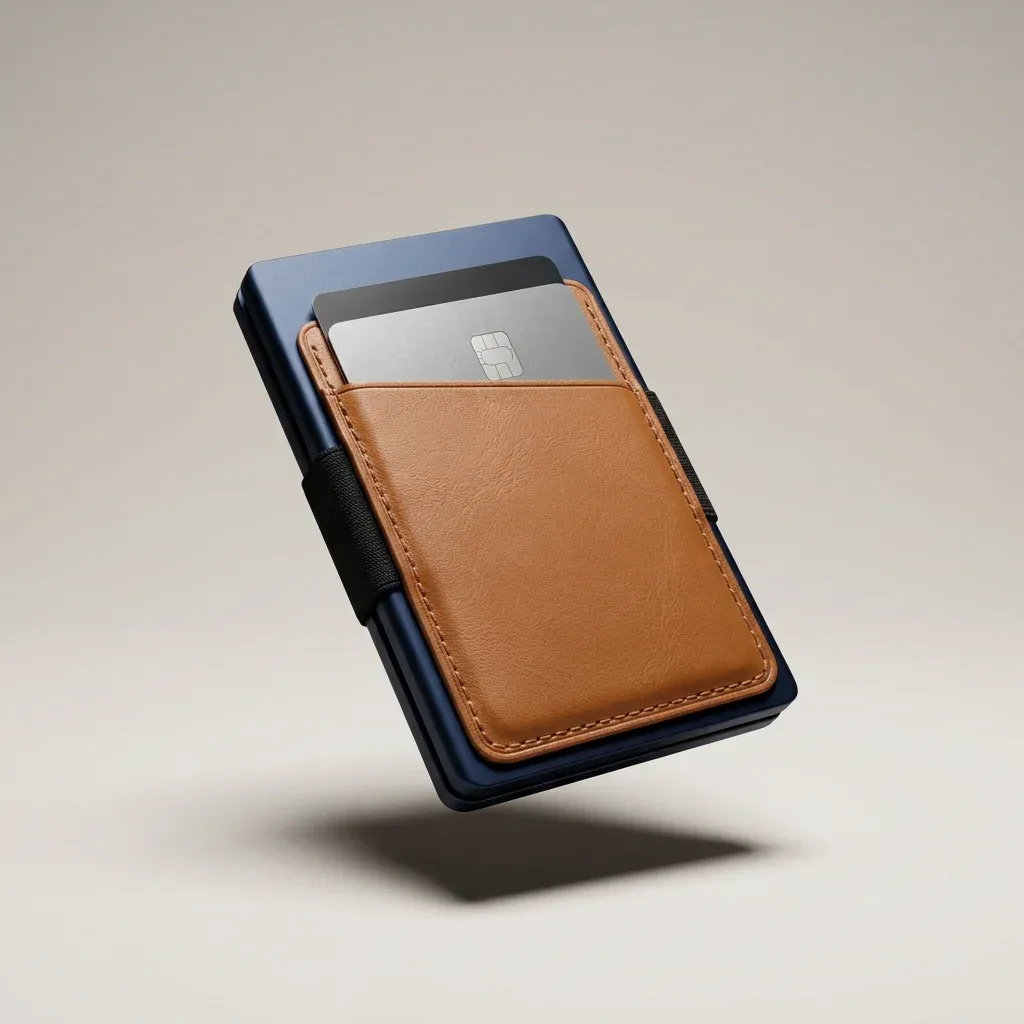
  • Marketing image: a slim leather wallet on a plain background.

    Leather goods

    Wallets, belts, bags, straps.

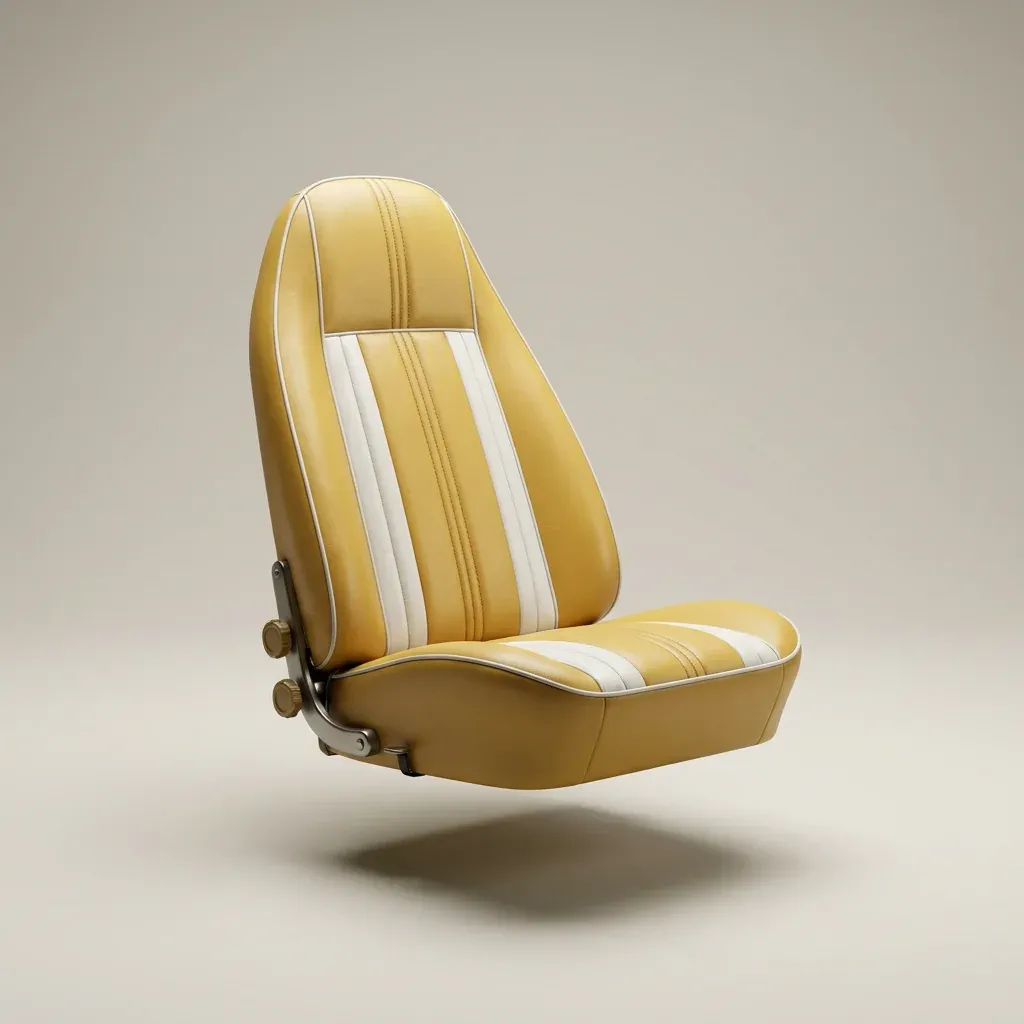
  • Marketing image: a sewn yellow bucket seat with piping on a plain background.

    Sewn upholstery

    Seats, cushions, piping, stitching.

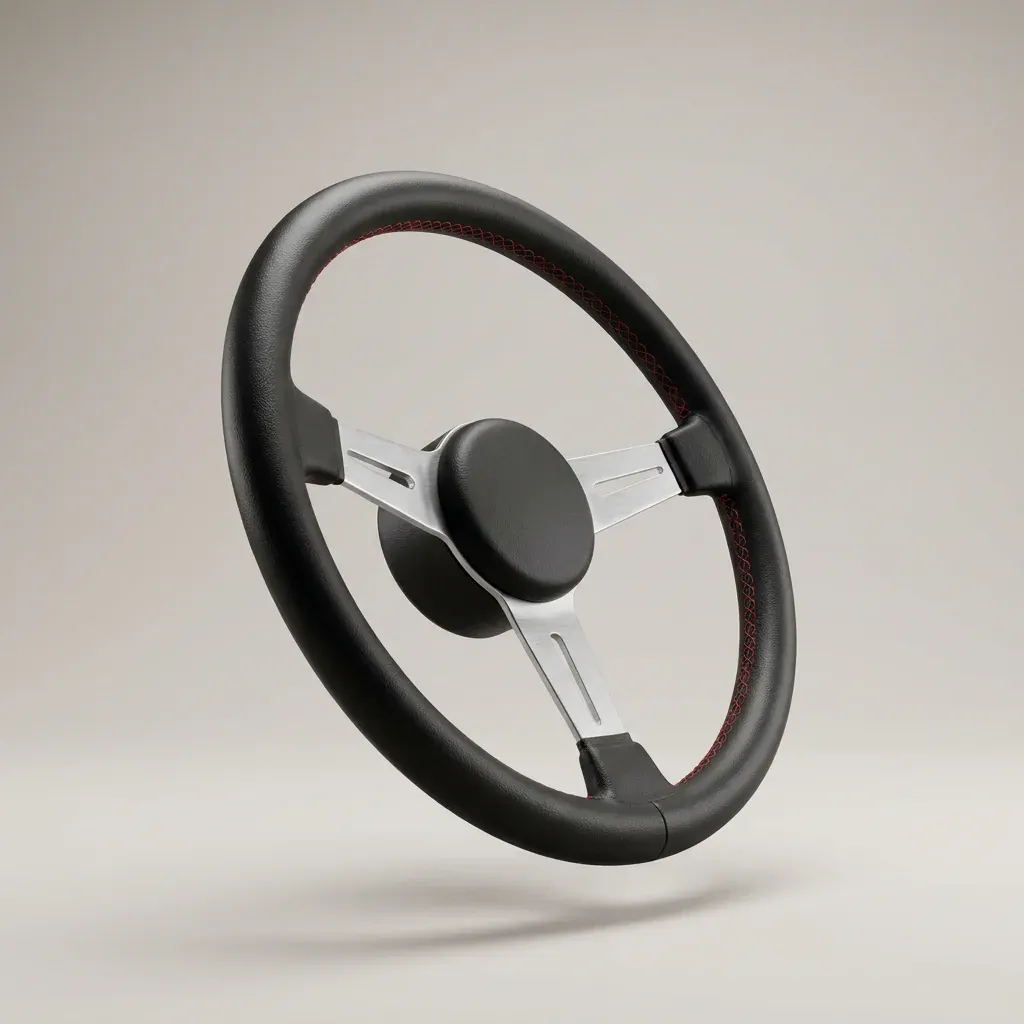
  • Marketing image: a black leather steering wheel on a plain background.

    Automotive interiors

    Wheels, knobs, trim, dials.

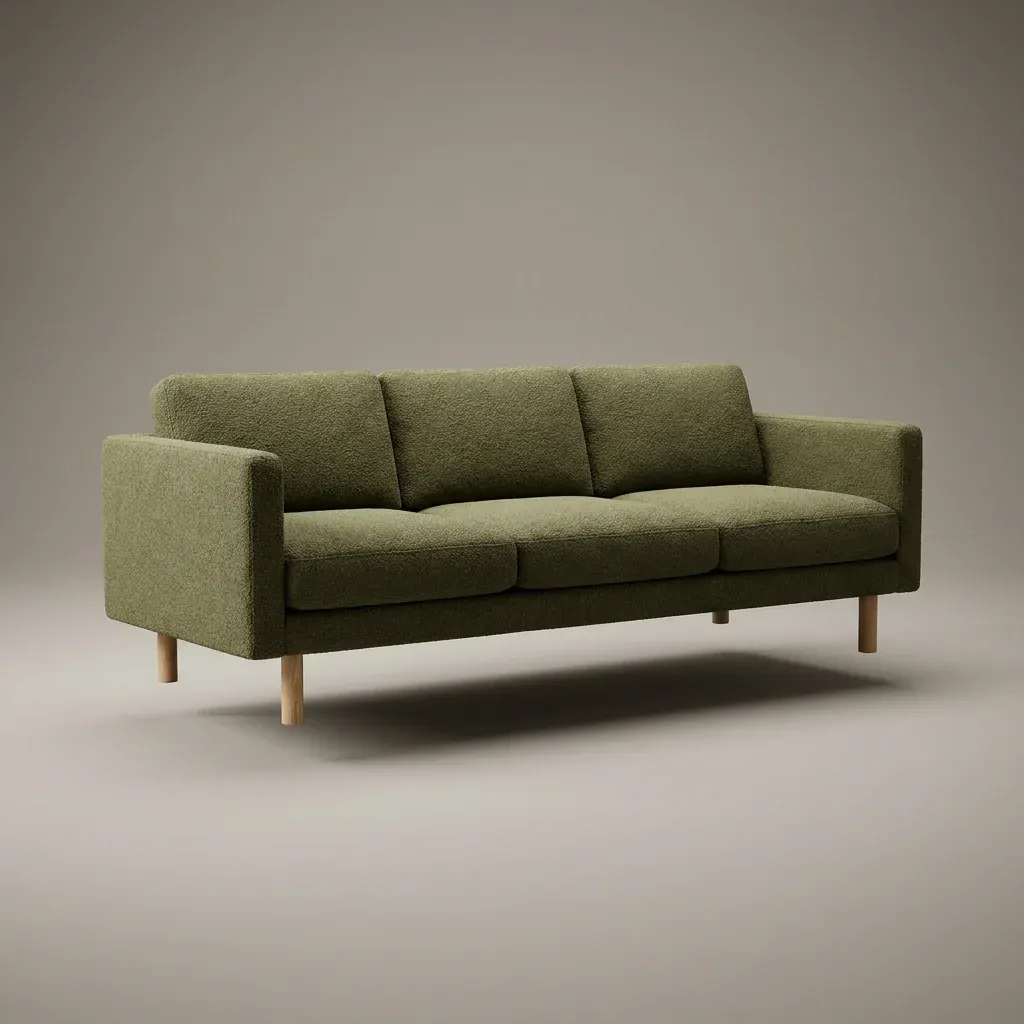
  • Marketing image: a three-seat sofa in green boucle on a plain background.

    Sofas, couches

    Fabric, leather, legs, cushions.

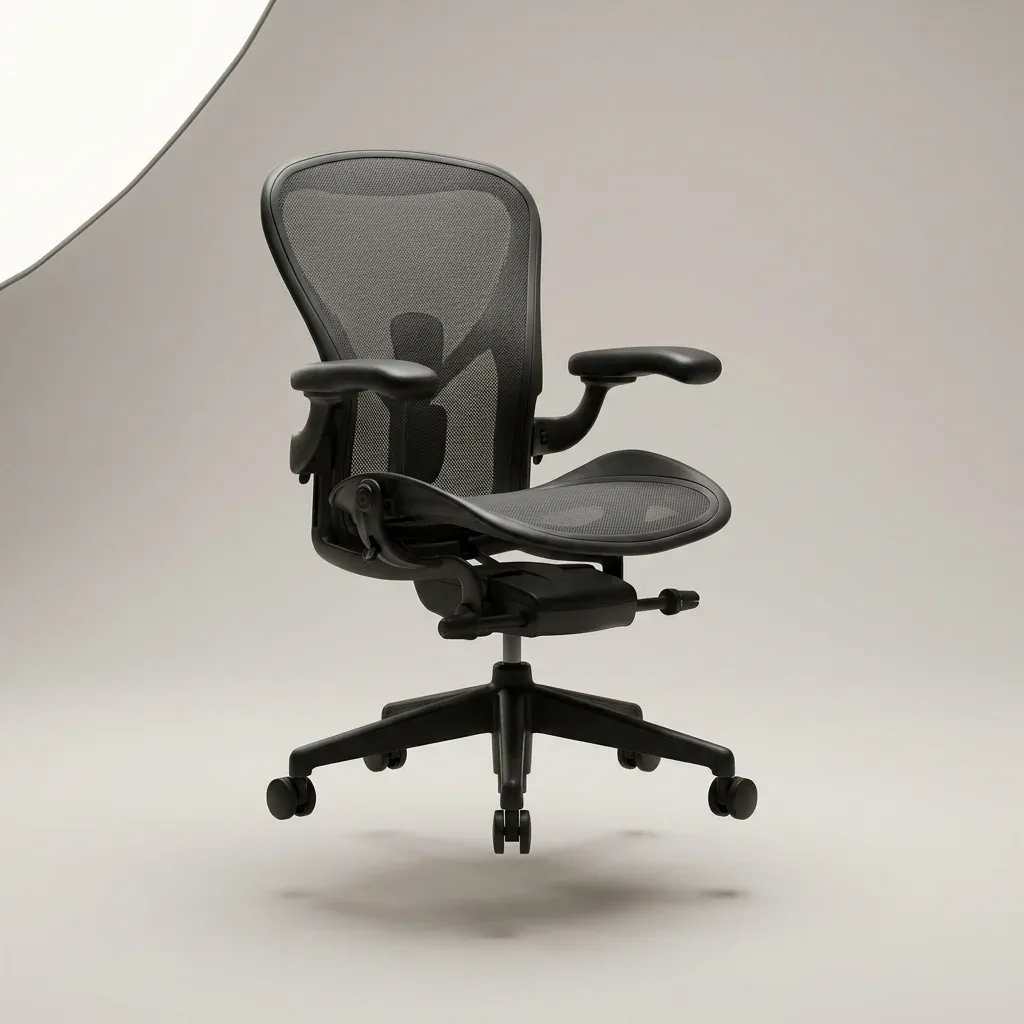
  • Marketing image: an ergonomic office chair in charcoal mesh on a plain background.

    Office chairs

    Mesh, seat, arms, base.
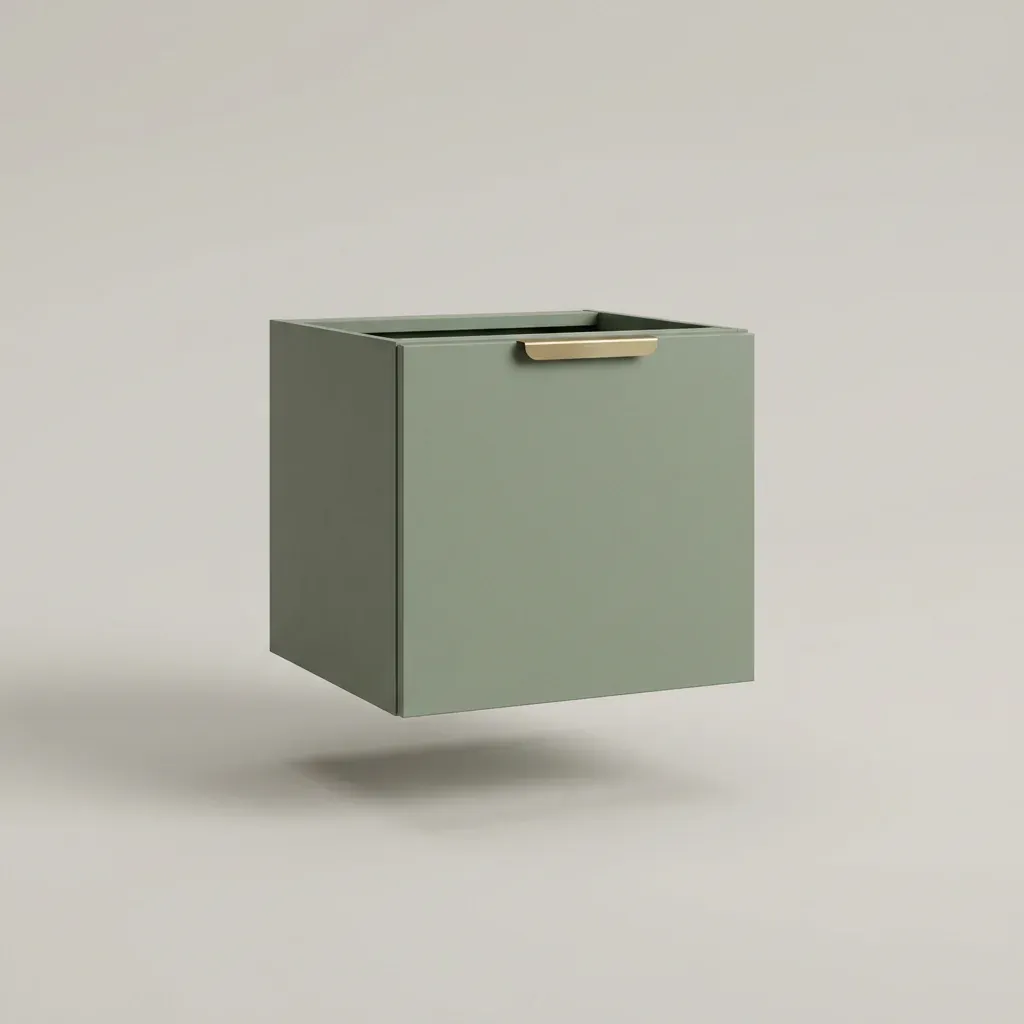
  • Marketing image: a kitchen cabinet module in sage green on a plain background.
    Kitchen cabinetry

    Doors, handles, fronts, finish.

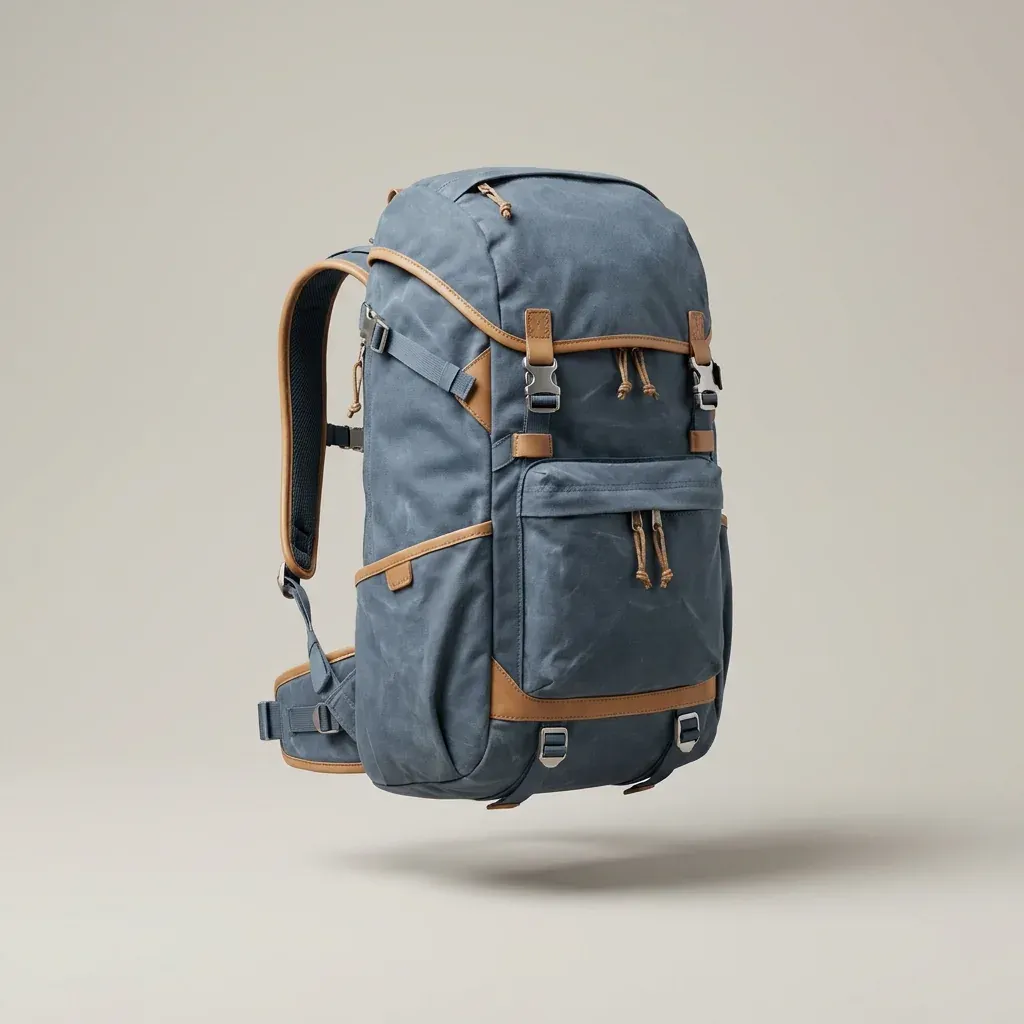
  • Marketing image: a technical backpack in slate blue on a plain background.

    Backpacks, bags

    Canvas, straps, zips, patches.

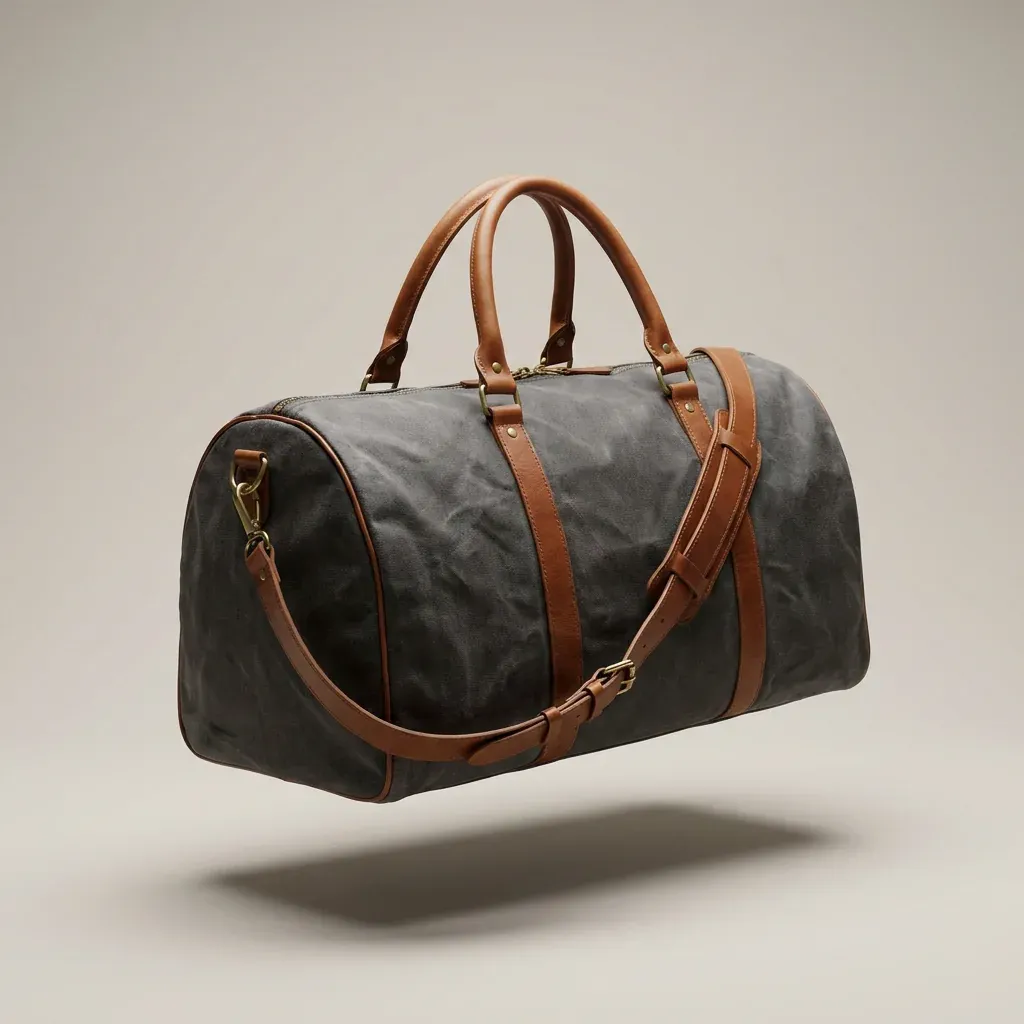
  • Marketing image: a waxed canvas duffel bag on a plain background.

    Overnight bags

    Leather, canvas, trim, monogram.

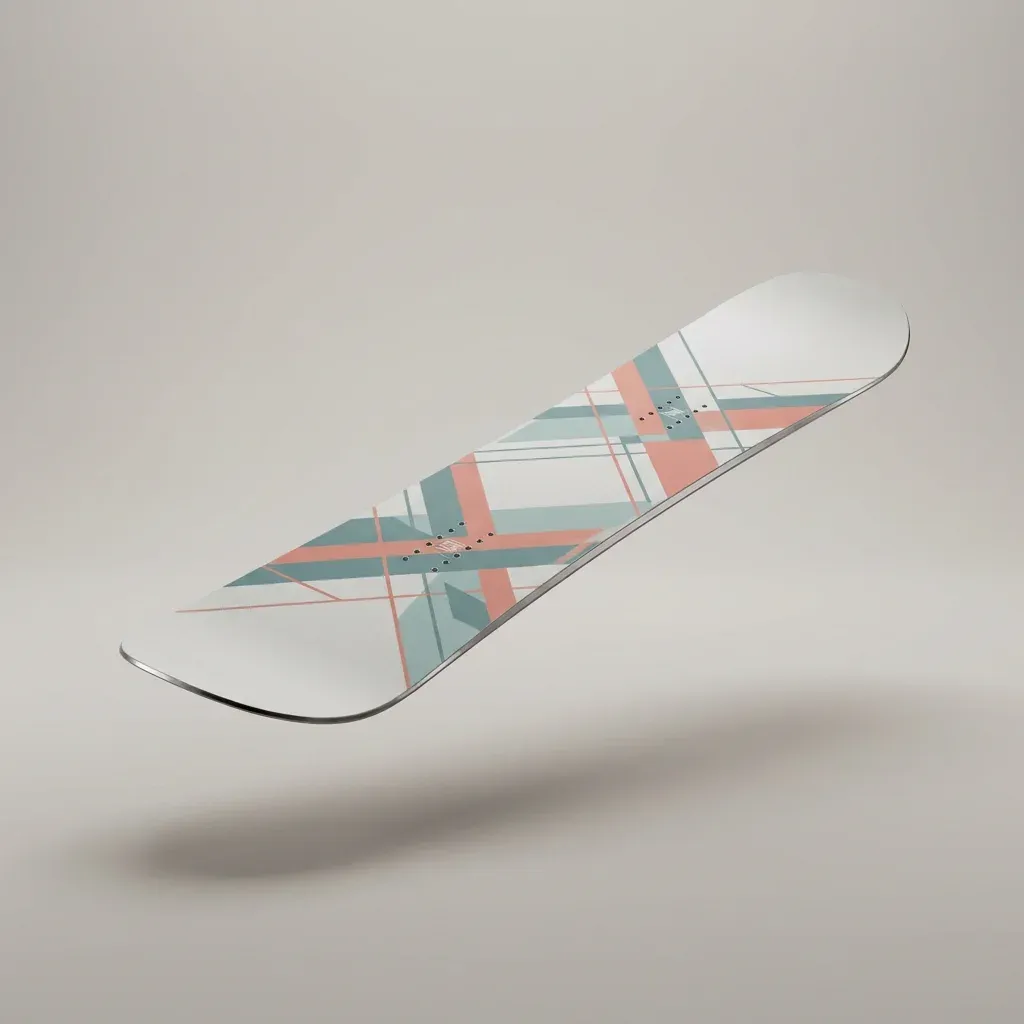
  • Marketing image: a snowboard with a geometric graphic on a plain background.

    Snowboards, skis

    Topsheet, base, bindings, graphic.

  • Marketing image: a city bicycle in forest green on a plain background.

    Bikes, frames

    Frame, saddle, tape, rims.

  • Marketing image: a knitted golf driver head cover on a plain background.

    Golf headcovers

    Leather, piping, numbers, logo.

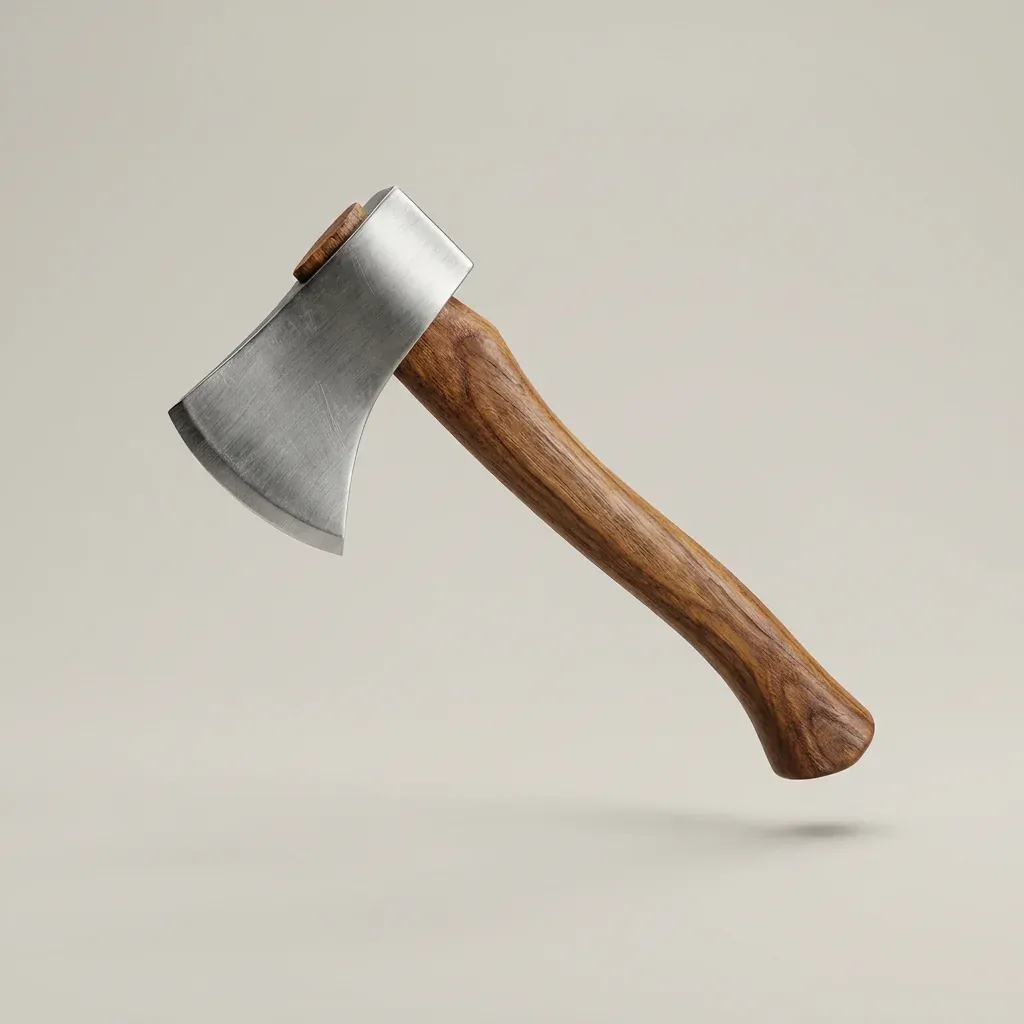
  • Marketing image: a hatchet with a hickory handle on a plain background.

    Tools, hatchets

    Handle, head, leather, engraving.

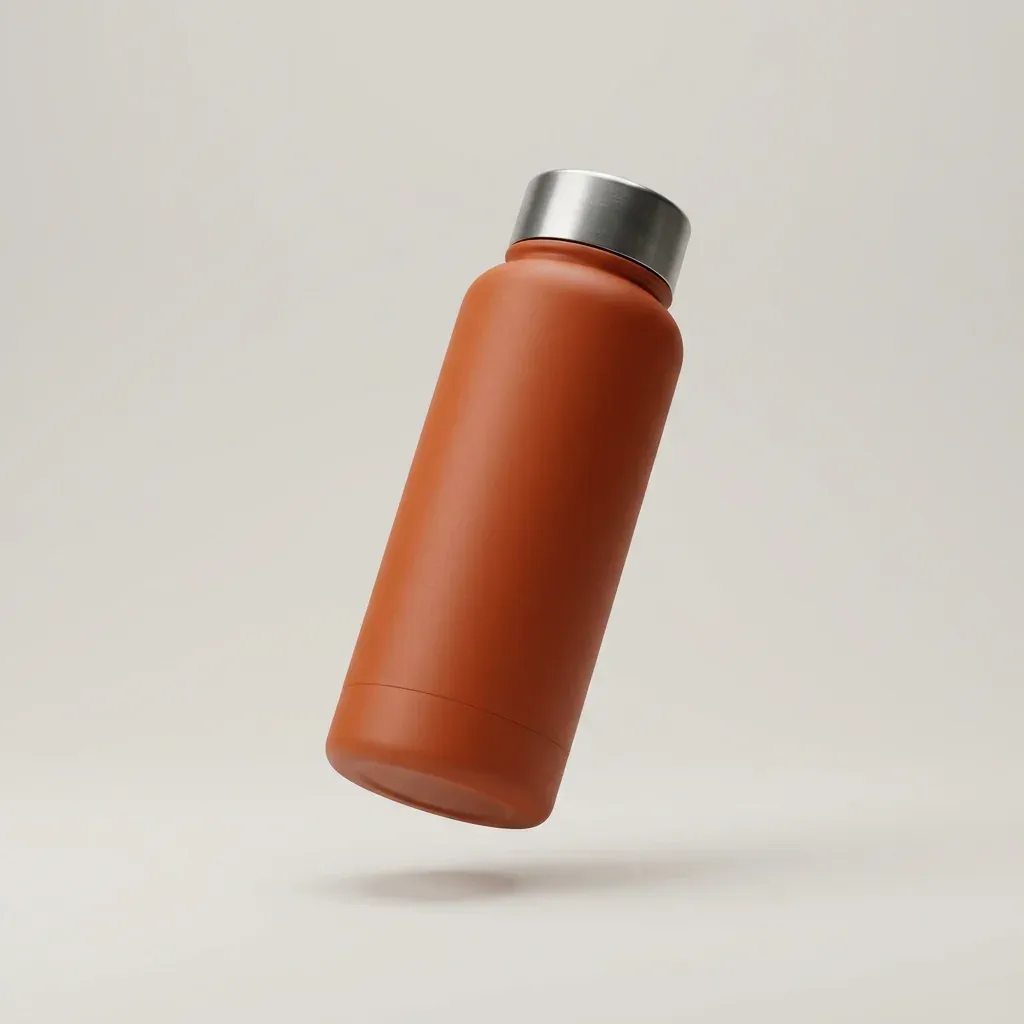
  • Marketing image: an insulated steel bottle in burnt orange on a plain background.

    Bottles, drinkware

    Colour, lid, engraving, print.

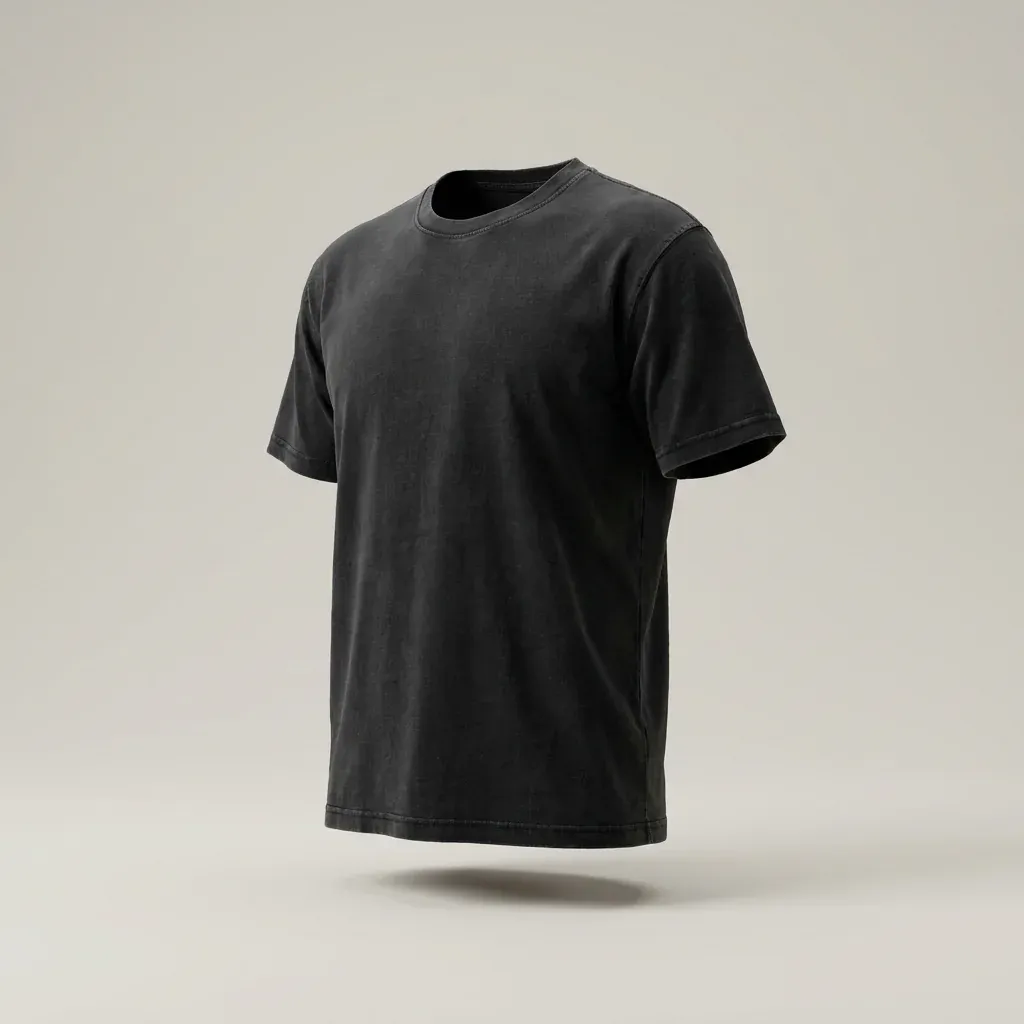
  • Marketing image: a heavyweight T-shirt in washed black on a plain background.

    T-shirts, apparel

    Fabric, print, colour, label.

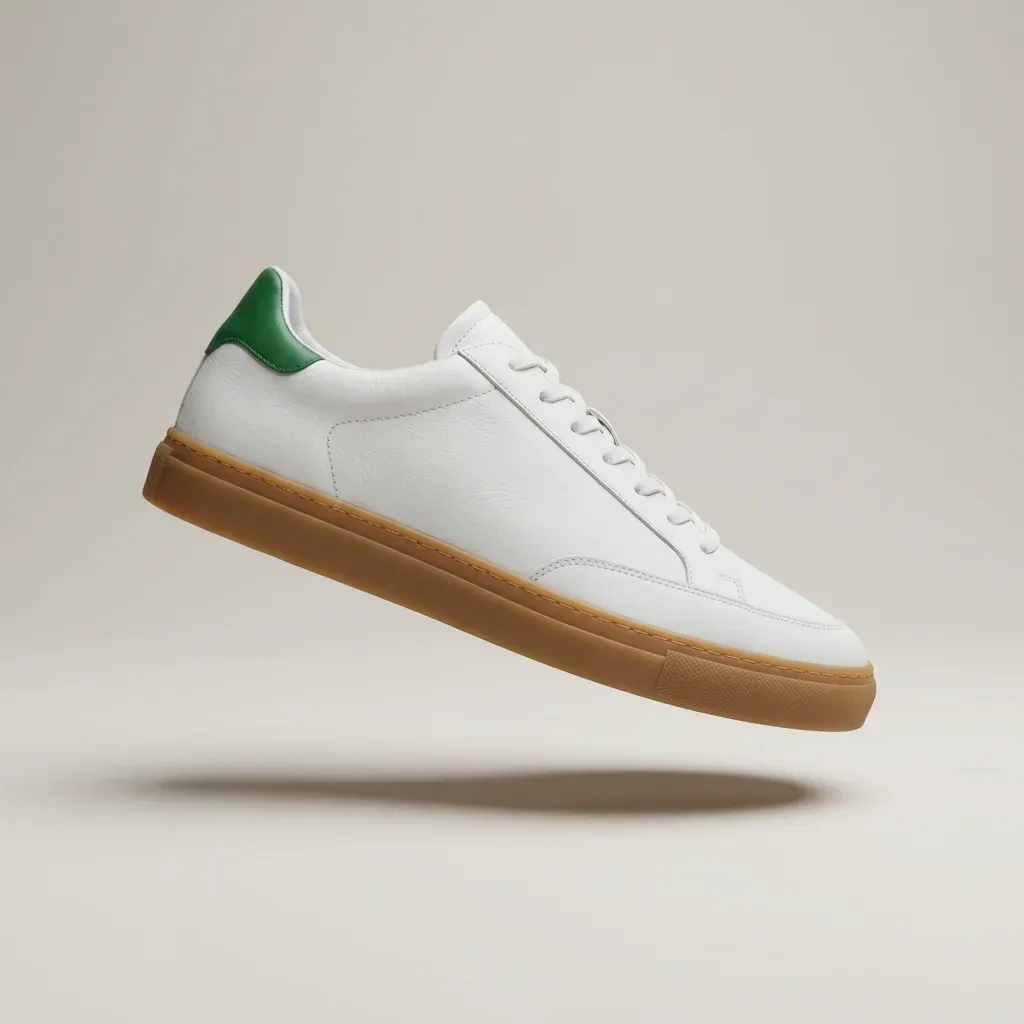
  • Marketing image: a white leather low-top sneaker with a gum sole on a plain background.

    Shoes, footwear

    Upper, sole, laces, colour.

Marketing visuals, not files.

Four images. One afternoon.

Four photos or a flat file. VERA takes it from there.

Book a call

Frequently asked questions.

How much does a 3D designer cost?

On average, a 3D designer costs $85,000 a year, not including benefits and stipends. VERA is a premium AI employee trained on 10,000+ objects. Because she is AI, she already understands mathematical precision, calculus, geometry and arithmetic. Prices start at $500 per product. Or unlimited products from $4,500 a month on a subscription, one request at a time.

What about hiring a freelancer?

A freelancer's hourly rate is the small part, and your time is the big part. Upwork's own typical range for 3D modellers is $17 to $30 an hour. On Upwork or Freelancer.com you find the designer and manage the project. You have to tell A-grade from B-grade before you pay, and many B-grade designers charge A-grade prices. With VERA you see a finished product in a day, from a team that has done this before. You explain it once, in plain words.

Why not do it myself in CLO 3D?

Because CLO 3D is software you have to learn, and VERA does the work for you. CLO is good software, built for garment designers, and costs one person $50 a month. The time is the big part. CLO's own introductory course takes about 8 hours and covers basic garment design. Then you build your product and get it onto your store. With VERA you send four photos. She builds the file, names every part and checks it, while you run your store.

What do I send her?

Four photos of your product: front, back, left and right, at 2K minimum, ideally 4K. You can also send an existing GLB file with the images you want on it, and she improves it directly. The higher their resolution, the better the output.

What comes back?

One GLB file, the format for 3D files, under 10 MB. Every part named for your options, with a manifest. It loads into Orbit3D or any configurator that accepts GLB files. You can open it in Blender or 3ds Max too.

How long does it take?

We have challenged VERA to take any 2D flat file and turn it into 3D. The fastest we have seen her do an object, a wallet, is 2 minutes, and we have yet to stump her. Want to challenge VERA? We get it. Thousands of stores run Kickflip today; we think a lot of them would. Book a call.

Does it work with my store?

A GLB file works with any 3D configurator that accepts GLB files. VERA was designed by the MK-Way team to fit Orbit3D, a 3D configurator on the Shopify App Store with 0% commission and AI-assisted setup: you describe your product, it builds the setup, you approve. But yes, you can work with any 3D configurator that takes GLB.

What happens on the call?

It is 15 minutes with the MK-Way team. Tell us what you sell and bring one product you want in 3D. We tell you whether VERA is a fit and how the subscription works.

Who is VERA for?

Shopify merchants with a 2D customizer, or a highly configurable product they have sold for years, who were warned off 3D: too hard, too unrealistic, or ruined by AI images. VERA is not making AI 3D images. She takes your own photographs, builds the model in the texture quality you shot, and shapes it to orbit, zoom, and fly up, down, left and right. Any Shopify merchant in any industry can use VERA to build the 3D product for the configurator on their store. We recommend Orbit3D: it takes 0% of your GMV, for life, and her files are built to load on a phone.

Does VERA work with Zakeke?

Yes. VERA's files are GLB and they work in Zakeke. We recommend Orbit3D: it runs on Shopify's current APIs, your assets live on Shopify's servers rather than Zakeke's, and you are not paying a percentage of every sale.

Does VERA work with Kickflip?

No. Kickflip is a 2D configurator: flat files, front and back. Shoppers cannot orbit, spin or zoom; they can engrave or add an item, but it is not 3D, and VERA's GLB will not load there. If you stay on Kickflip, what it takes is a high-resolution 2D image, not a 3D file. We recommend Orbit3D: a 2D file becomes 3D and loads, and shoppers spin it, zoom in, engrave it, upload their own images and configure it, whether you sell beds or bowling balls, as long as your images are specific and your objects come in layered pieces.

Prices read on upwork.com and clo3d.com, 2 October 2026. The hourly figure is Upwork's published typical range. The course length is from CLO's own blog.